related suggestion--
The application for the Google account in the local area was on April 3, 2024, and Google one has been successfully subscribed using the Bank of China multi-currency credit card.
Therefore, all the content on the Internet about Google account locking in the local area is wrong.
There is a video as evidence, which will be edited and released later.
Since you can subscribe to more favorable App services through an Apple ID in low-price areas such as Turkey, why do you need to apply for a Google account in a low-price area? The answer is "Apple tax".
First look at the picture:
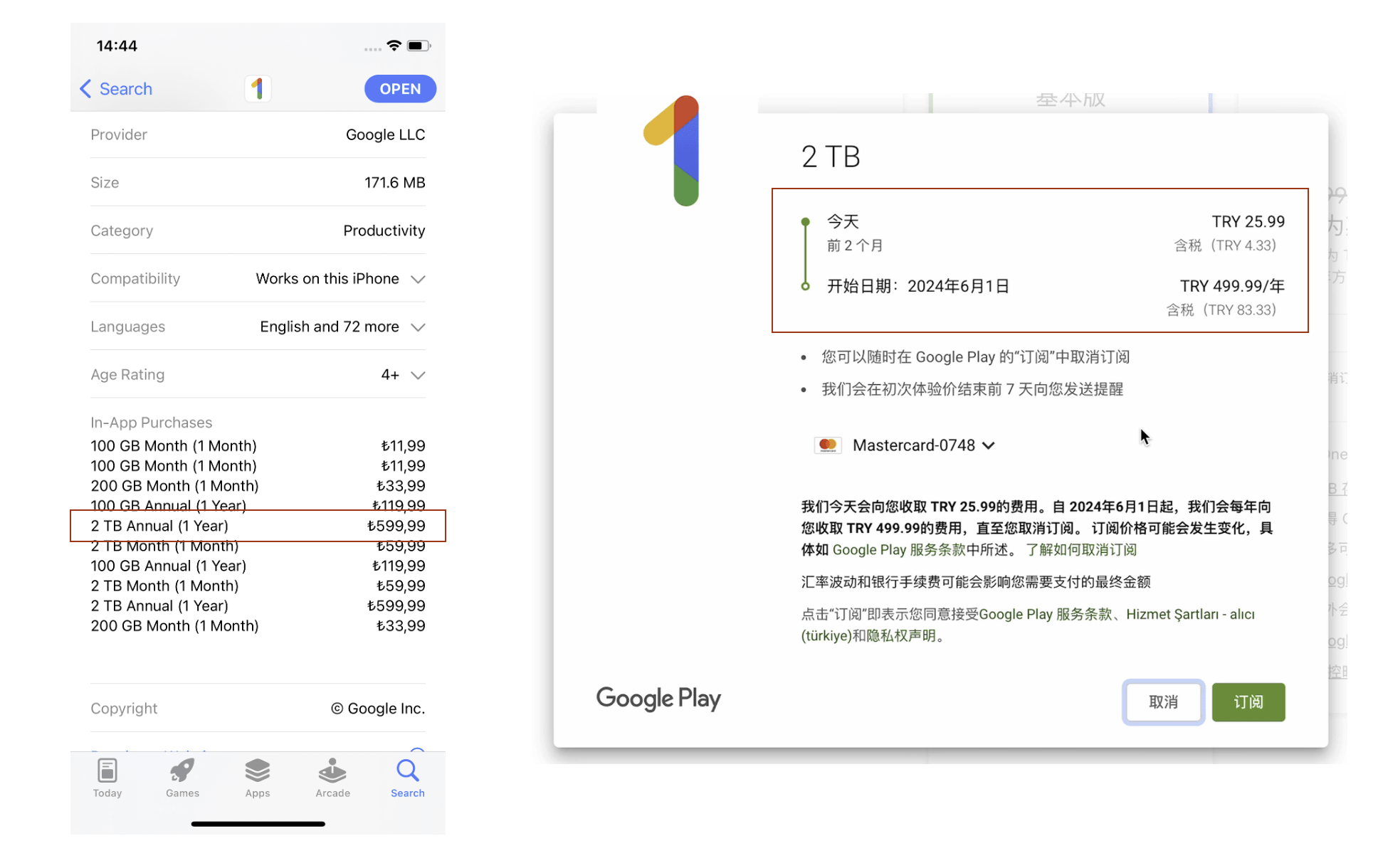
The same one-year 2T Google One subscription in Turkey costs 599 Turkish liras on the App Store, but 499 liras on Google Play, a difference of 100 liras. In other words, you have to pay 20% more in the Apple store. This is how the middlemen make the difference.
However, when you search for keywords like “Turkish Google account”, you may see results like this:
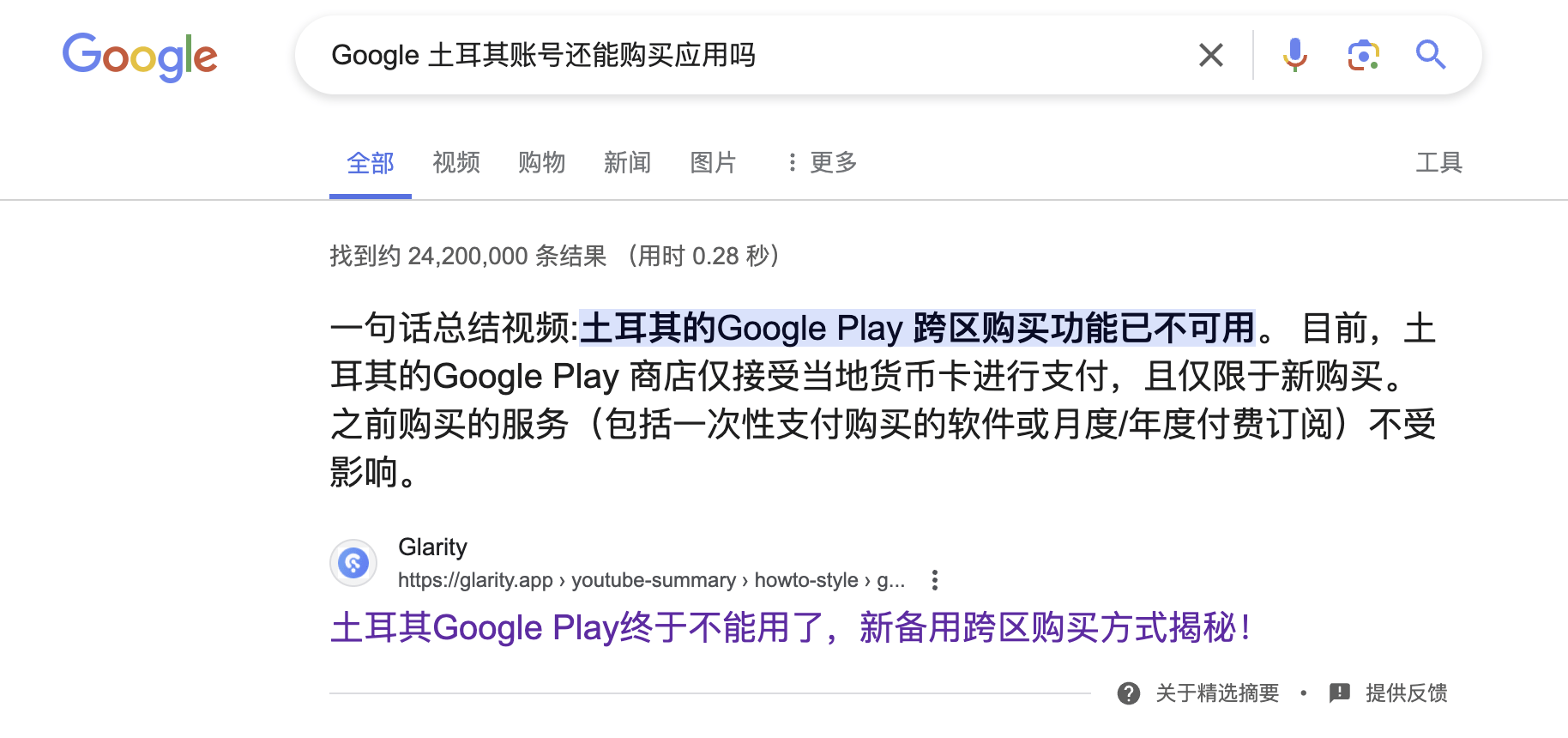
Card locking is a topic that cannot be avoided in the low-price zone.
But all the conclusions about Türkiye's Google account locks on the Internet are wrong. Because you only need to prepare the following tools, you can successfully pay using a domestic credit card.
- Türkiye Residential IP
- fingerprint browser
- Domestic credit cards
For more information on how to obtain residential IP and fingerprint browser, please refer to these two detailed tutorials:
"Verification, risk control, account ban?" Why we need residential IP》
""Immigration on the Cloud" Use Fingerprint Browser to Become a "Digital Resident""
When using IpRoyal, there is a chance of failure. This is normal. You can try multiple times by changing the port.
1. Register an account
The entire registration process can be completed directly with a US IP and Chrome incognito mode, without the need for a Turkish residential IP and fingerprint browser.
Registration URL: accounts.google.com
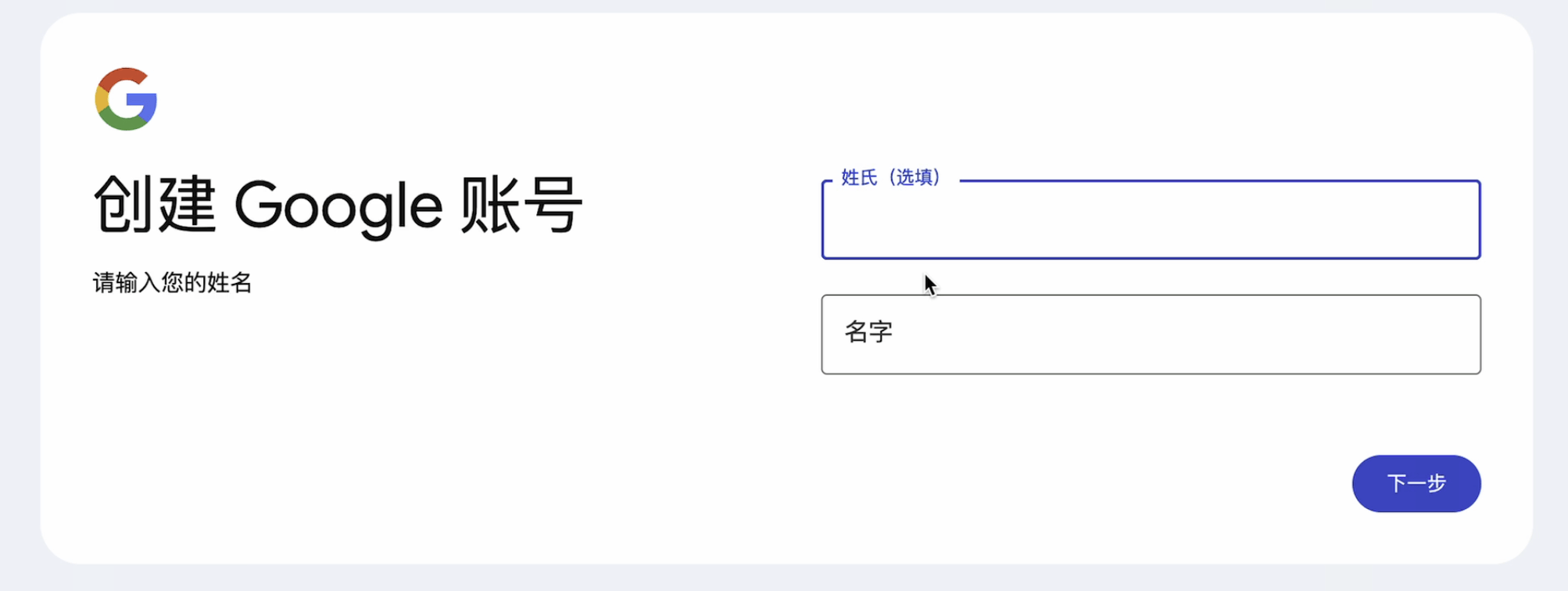
1. Fill in your name (optional)
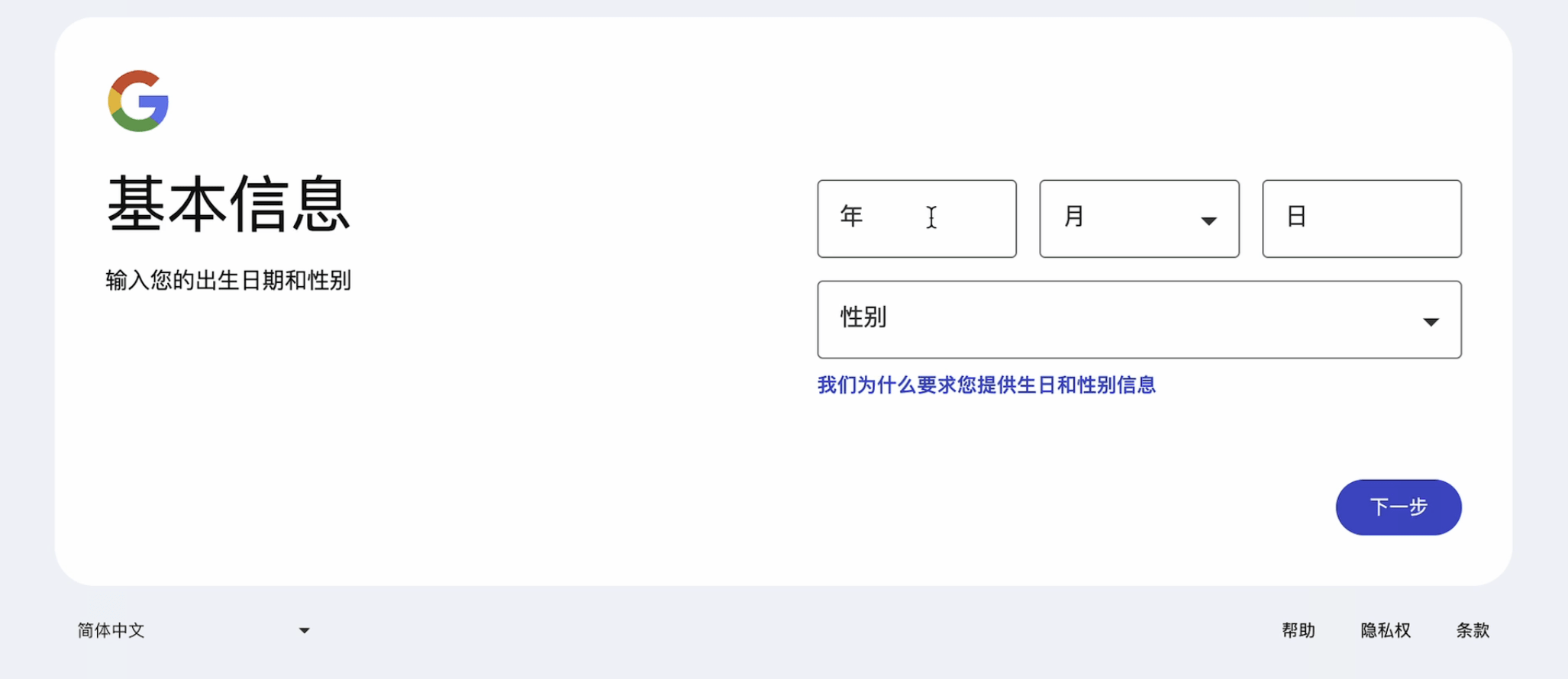
2. Fill in basic information
3. Fill in the email name
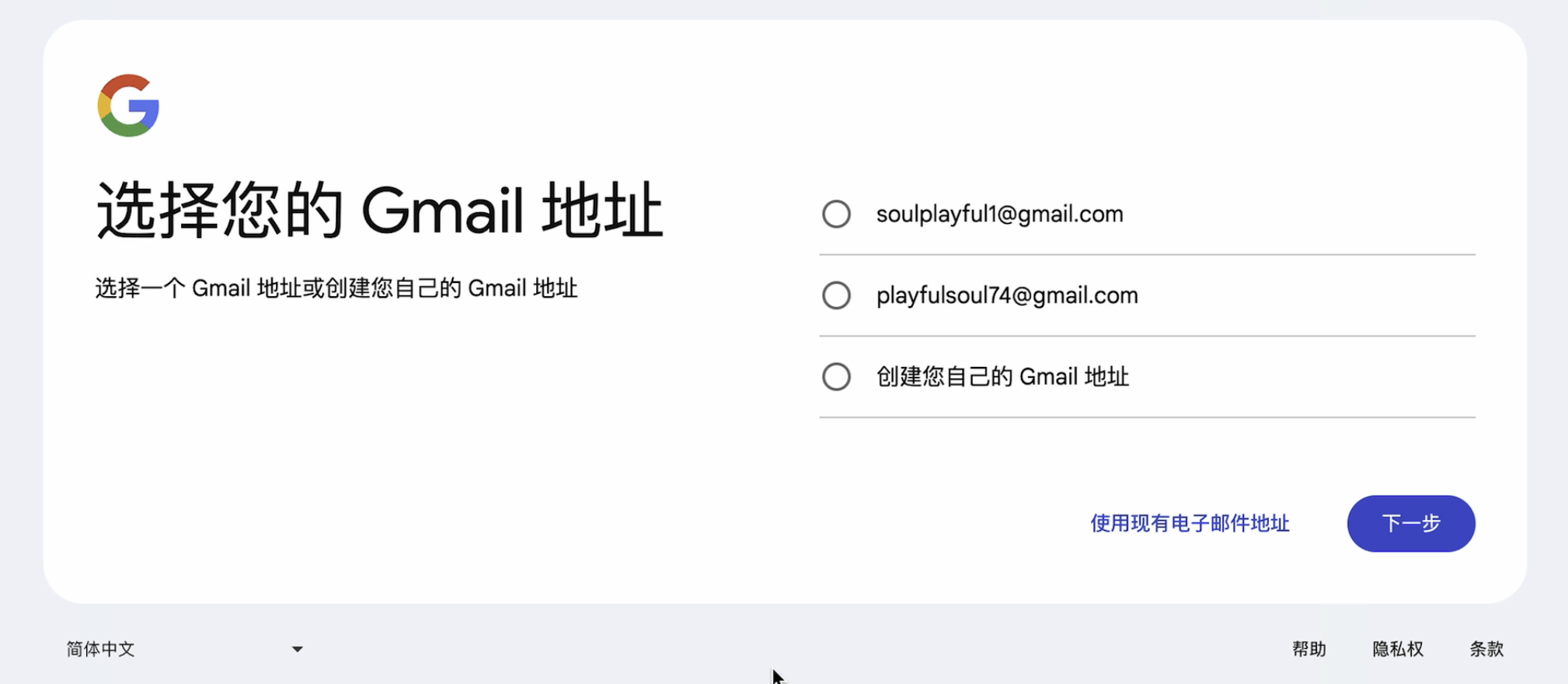
4. Set a password
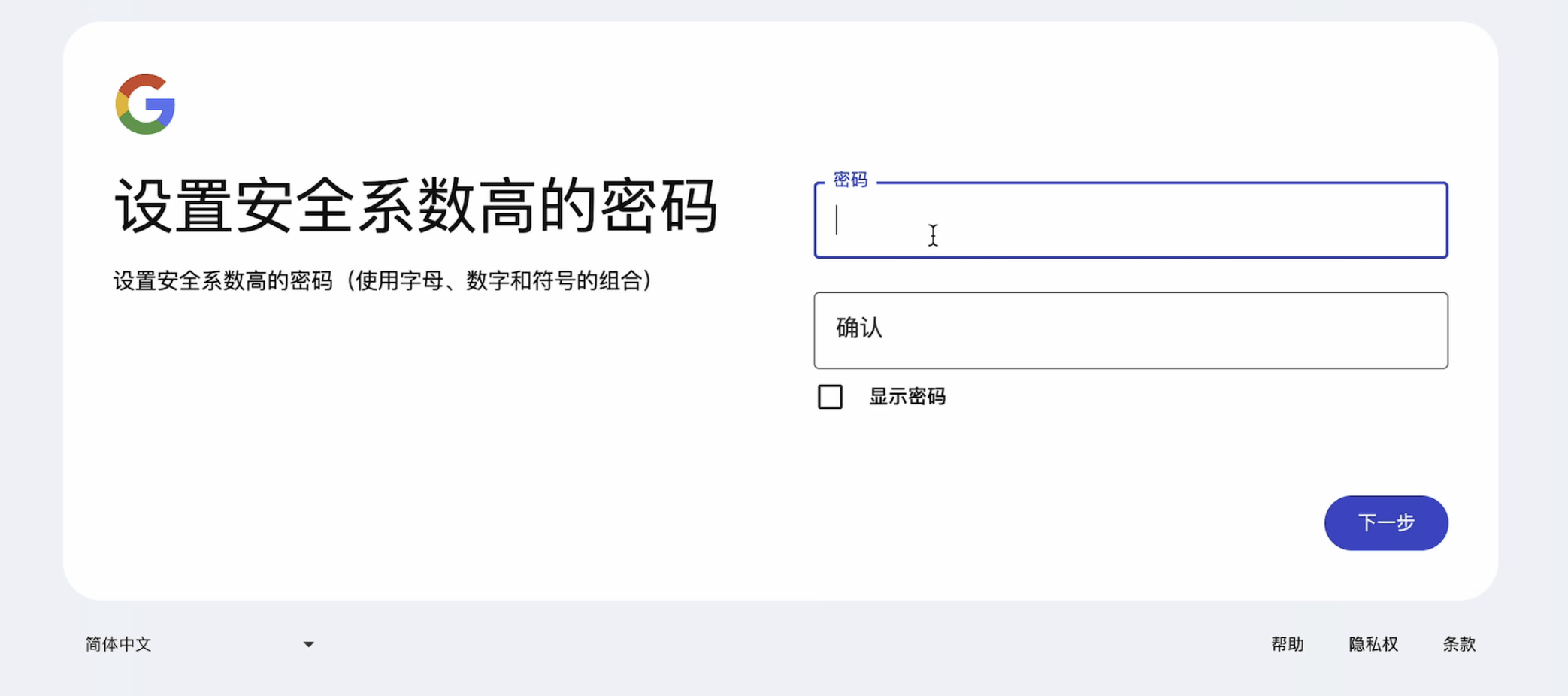
5. Add a secondary email address
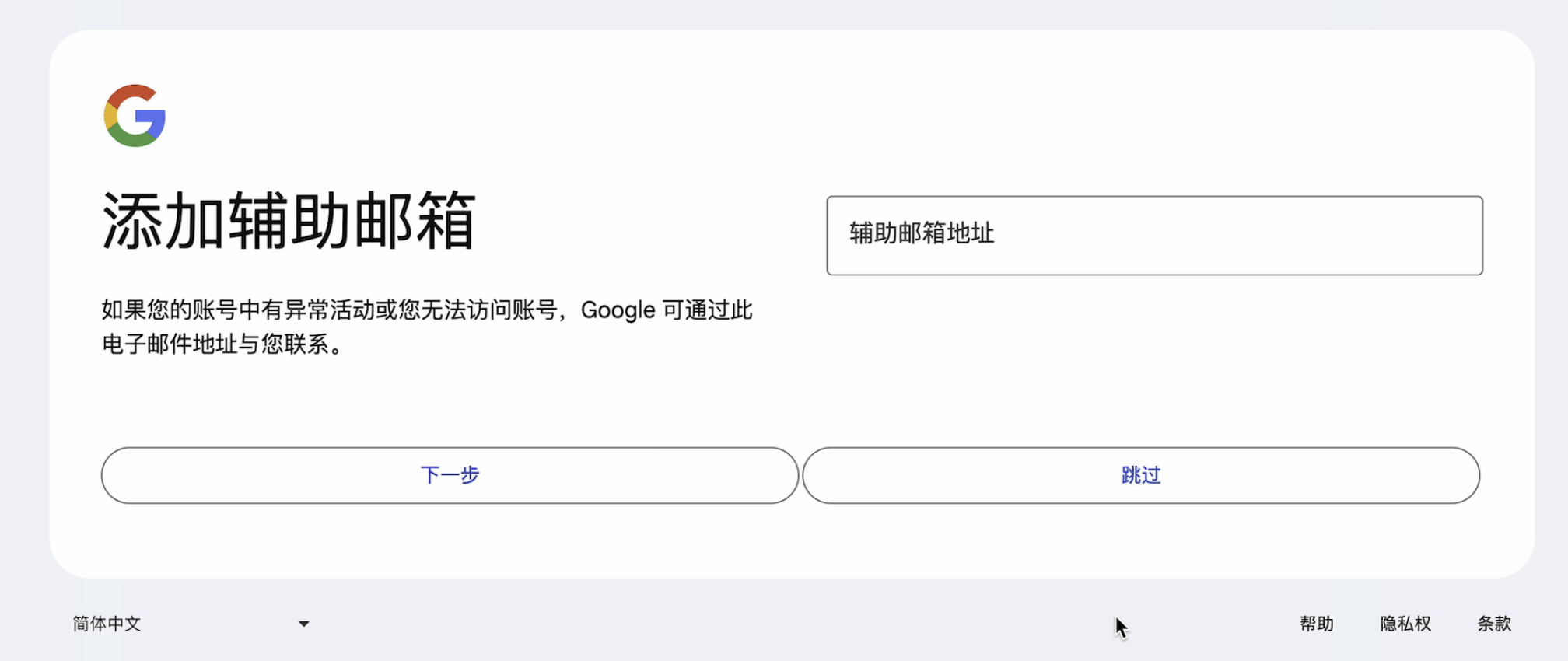
6. Fill in other information
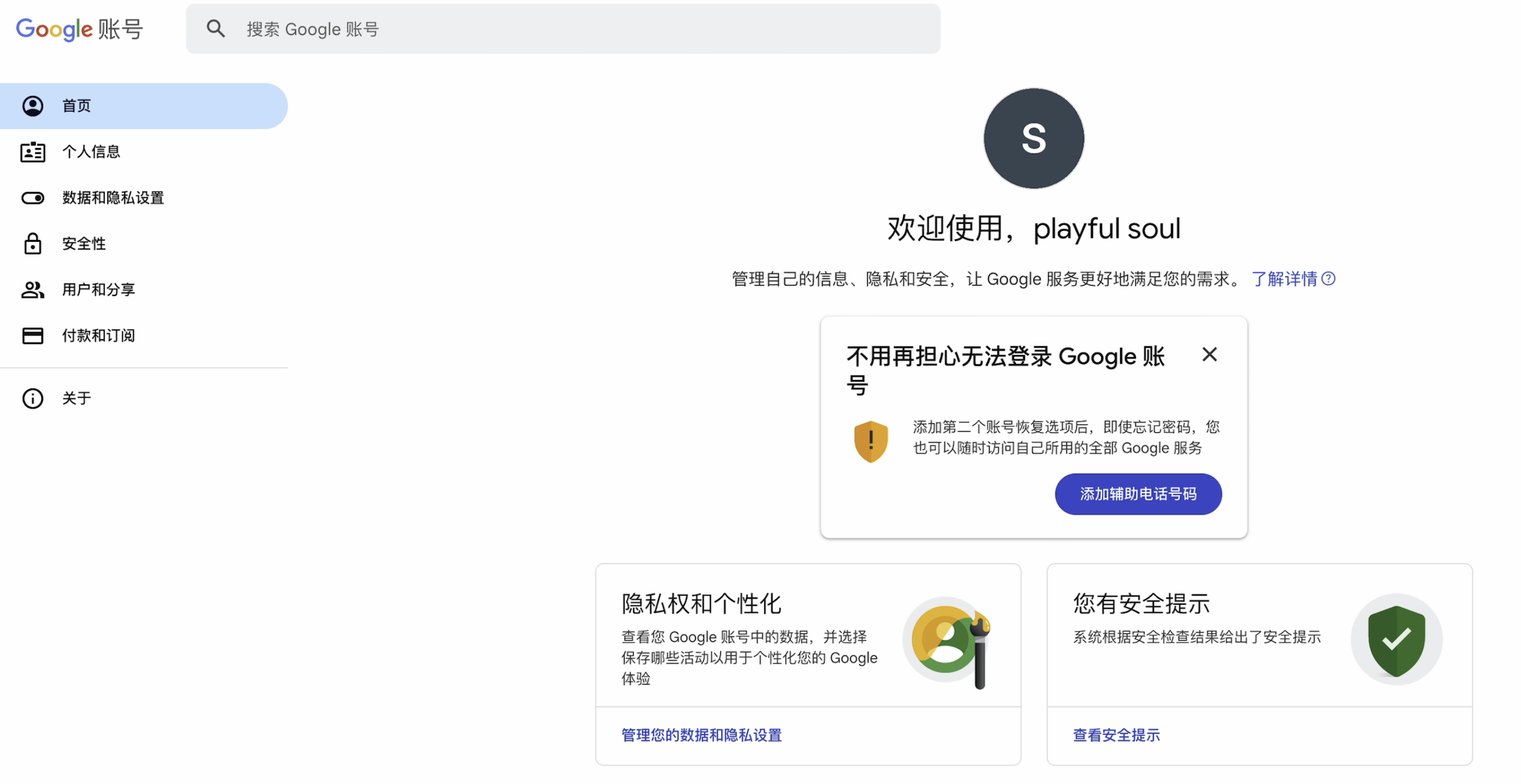
At this point, the account registration is complete. To ensure security, it is recommended to fill in additional information such as mobile phone number and two-step verification. I will put these in the video, so I won’t go into details.
2. Configure payment information
Still in Incognito mode
1. Configure Turkish residential IP and fingerprint browser
Omitted, please see the tutorial I listed
2. Add payment method
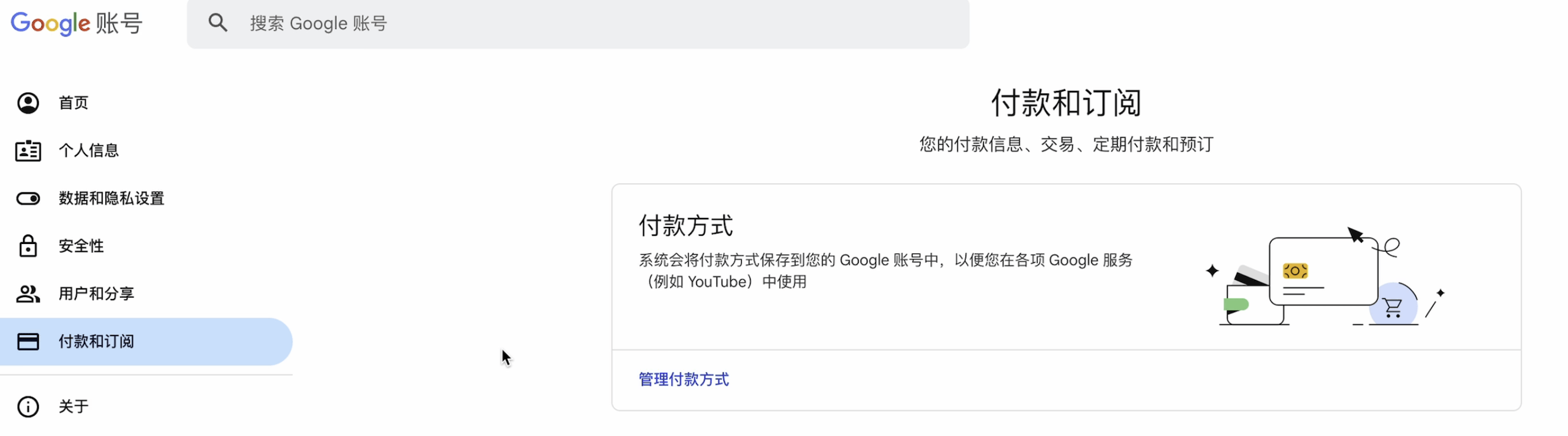
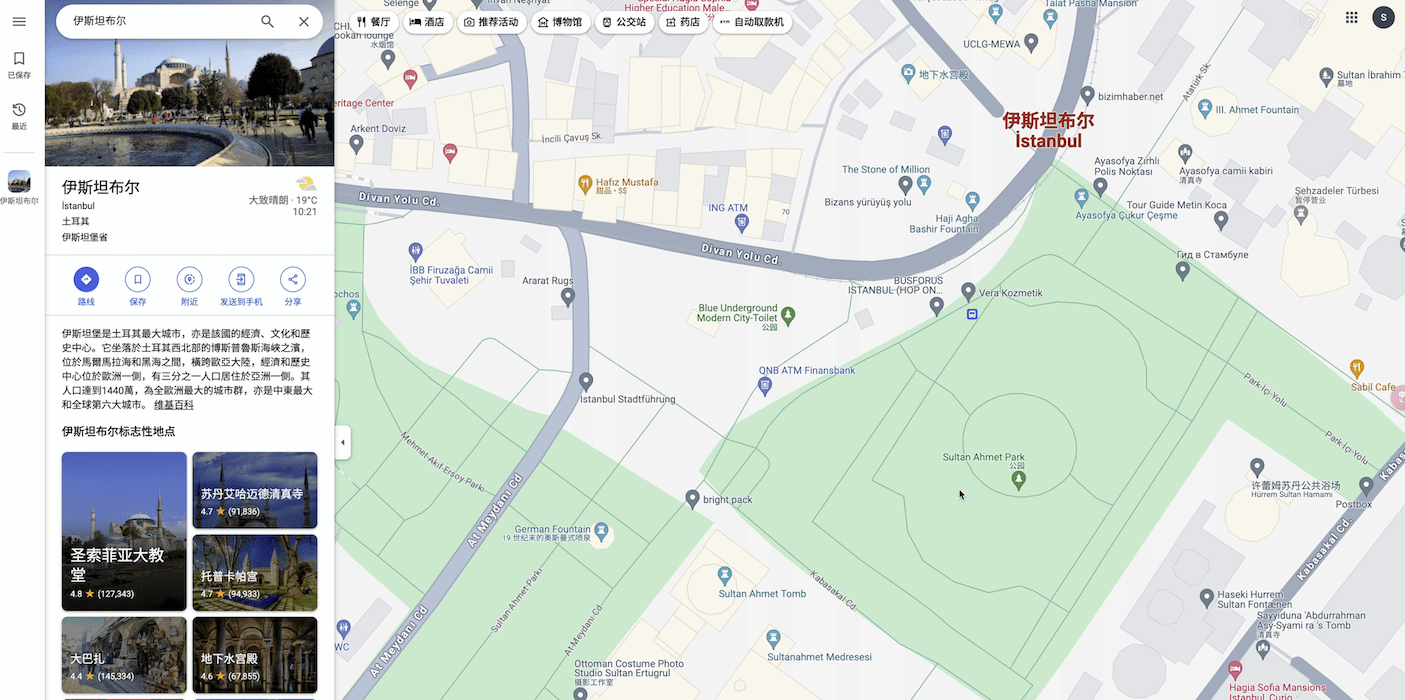
My network is not good, so the pictures are not displayed, but it does not affect the operation. Just follow the steps to fill in the card information. For the billing address, it is strongly recommended to find a real address in Google Maps, such as "Embassy of a certain country in Turkey"^_^.
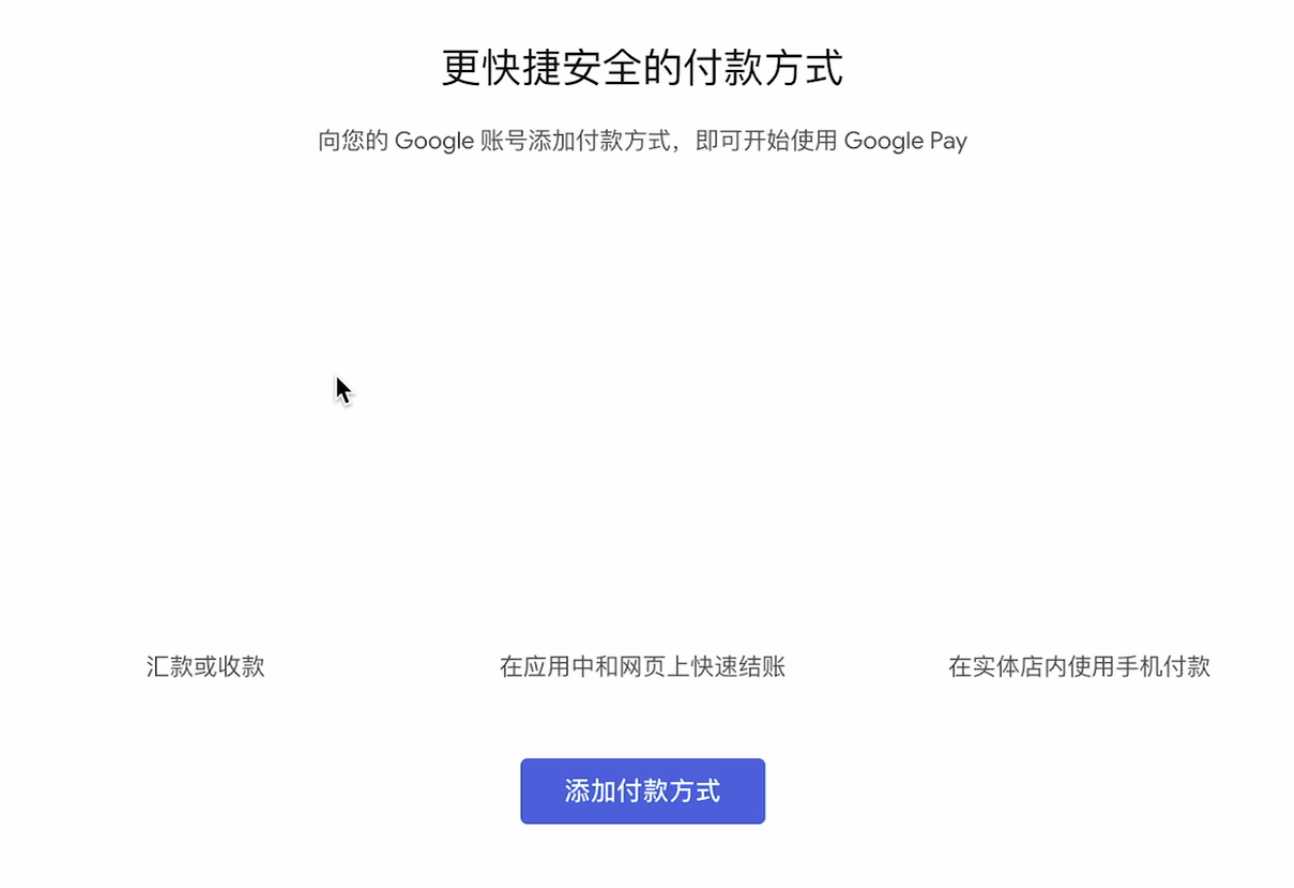
3. Use Google Maps to find the real address
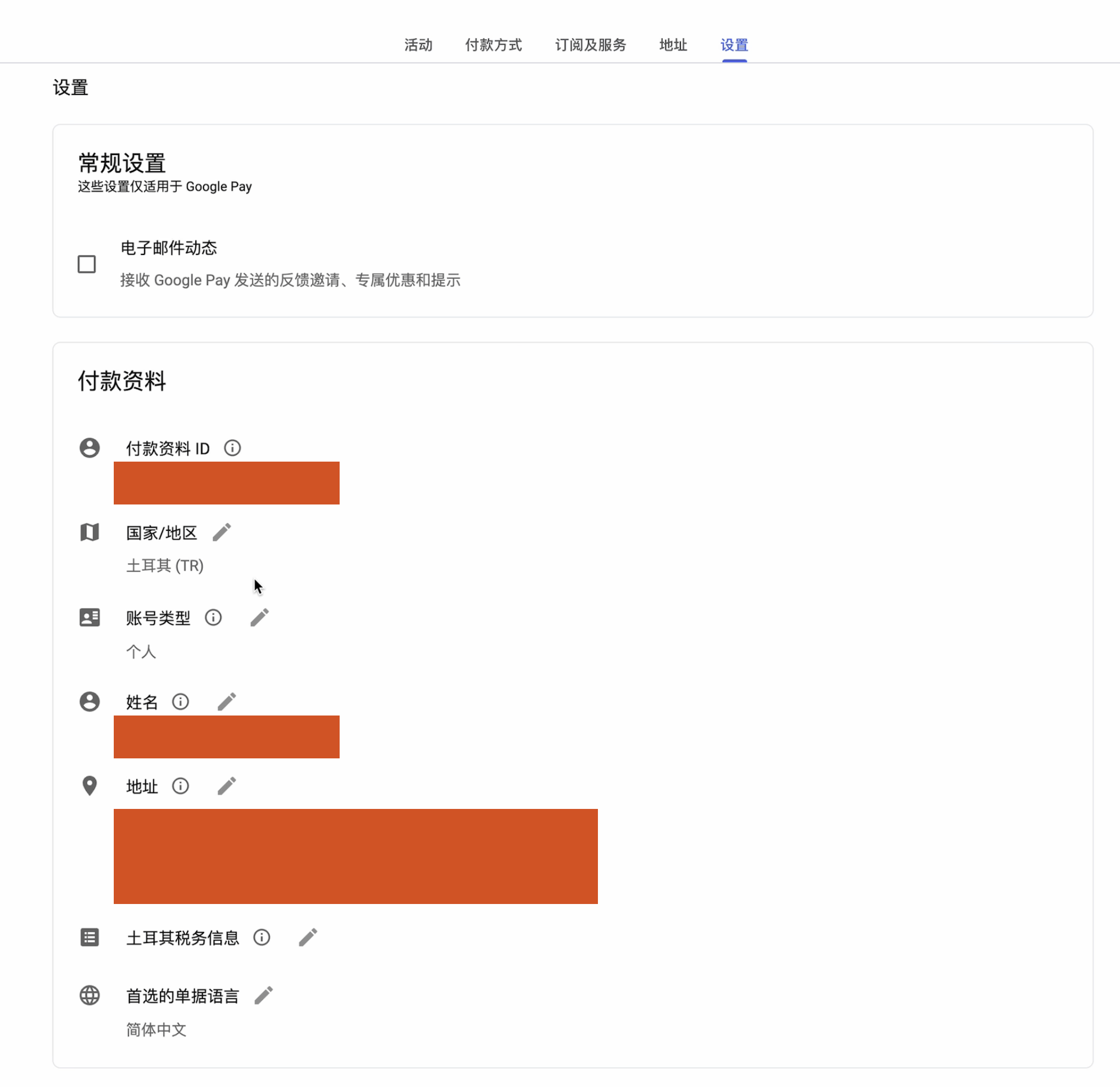
4. Complete payment information
This is what it will look like after you fill it in. If you want to change the country later, just click "Country" and fill in the information.
It should be noted that the new payment information will not take effect automatically. You need to go back to "Settings" and select it manually. Remember, remember!
3. Test the purchase of Google one
I already have a Google one, and I worked really hard for this tutorial...
In the payment process, it is important to configure the Turkish environment. Initially, I operated in the browser incognito mode, but a classic prompt appeared:
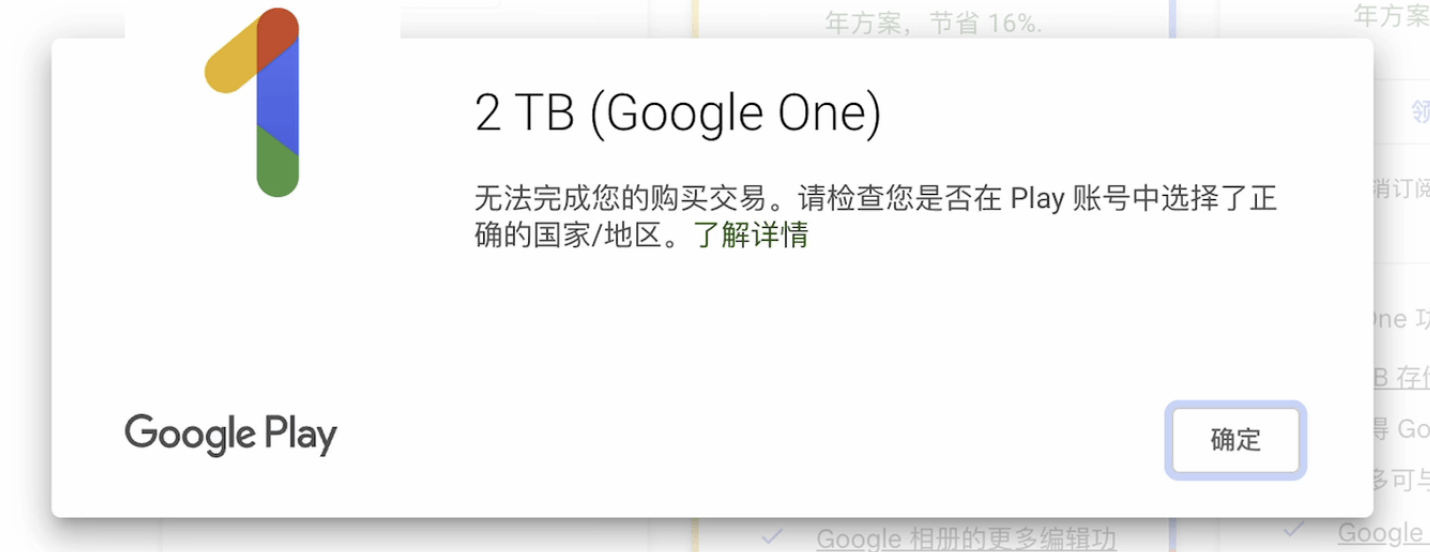
At this point, many people may think that it is because of the "Turkish card lock", but this is not the case. As long as the Turkish environment is configured properly, payment can be successful.
1. Open Google one
I also chose a 2T version at that time, which was crazy...
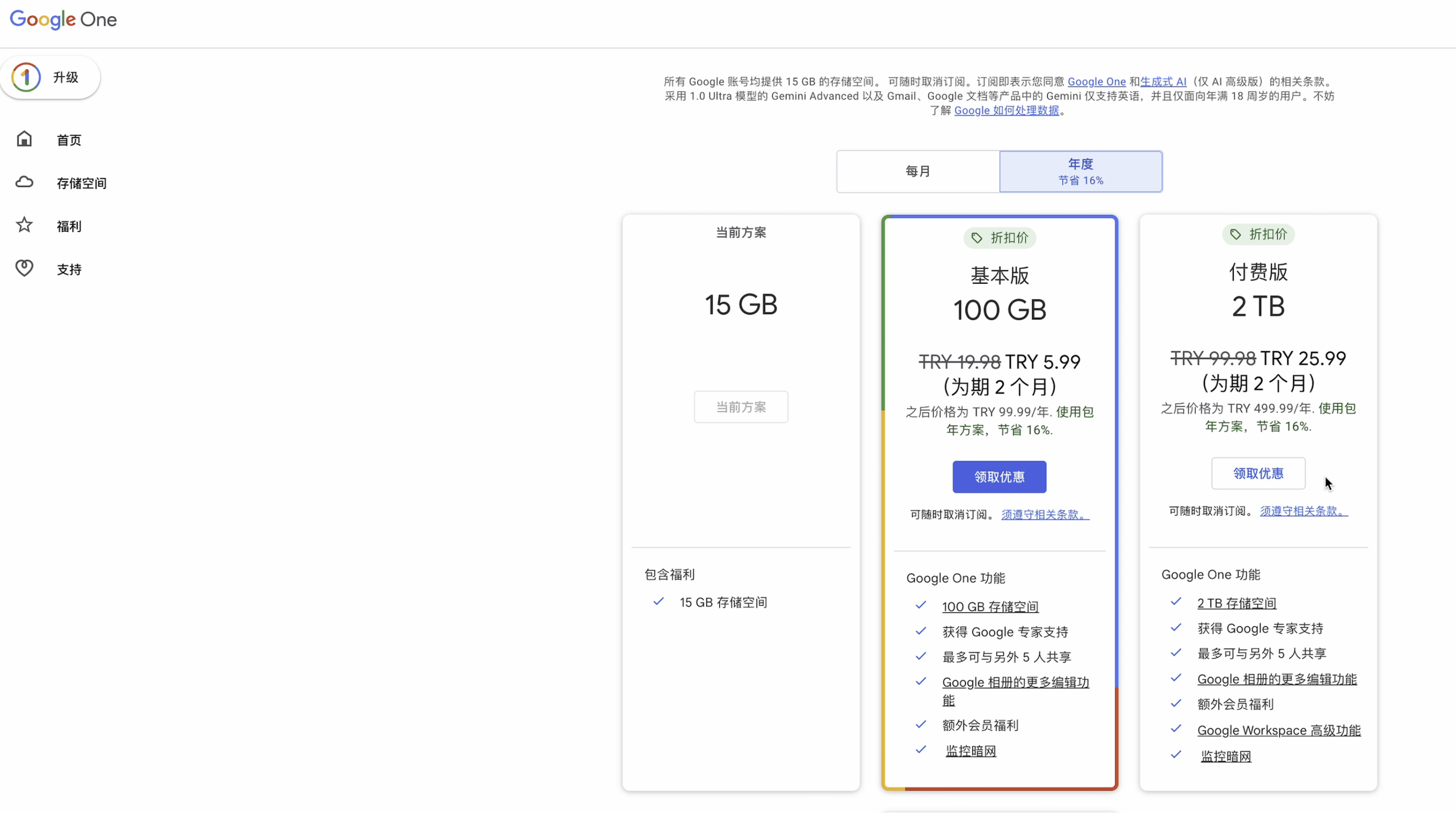
2. Try to pay
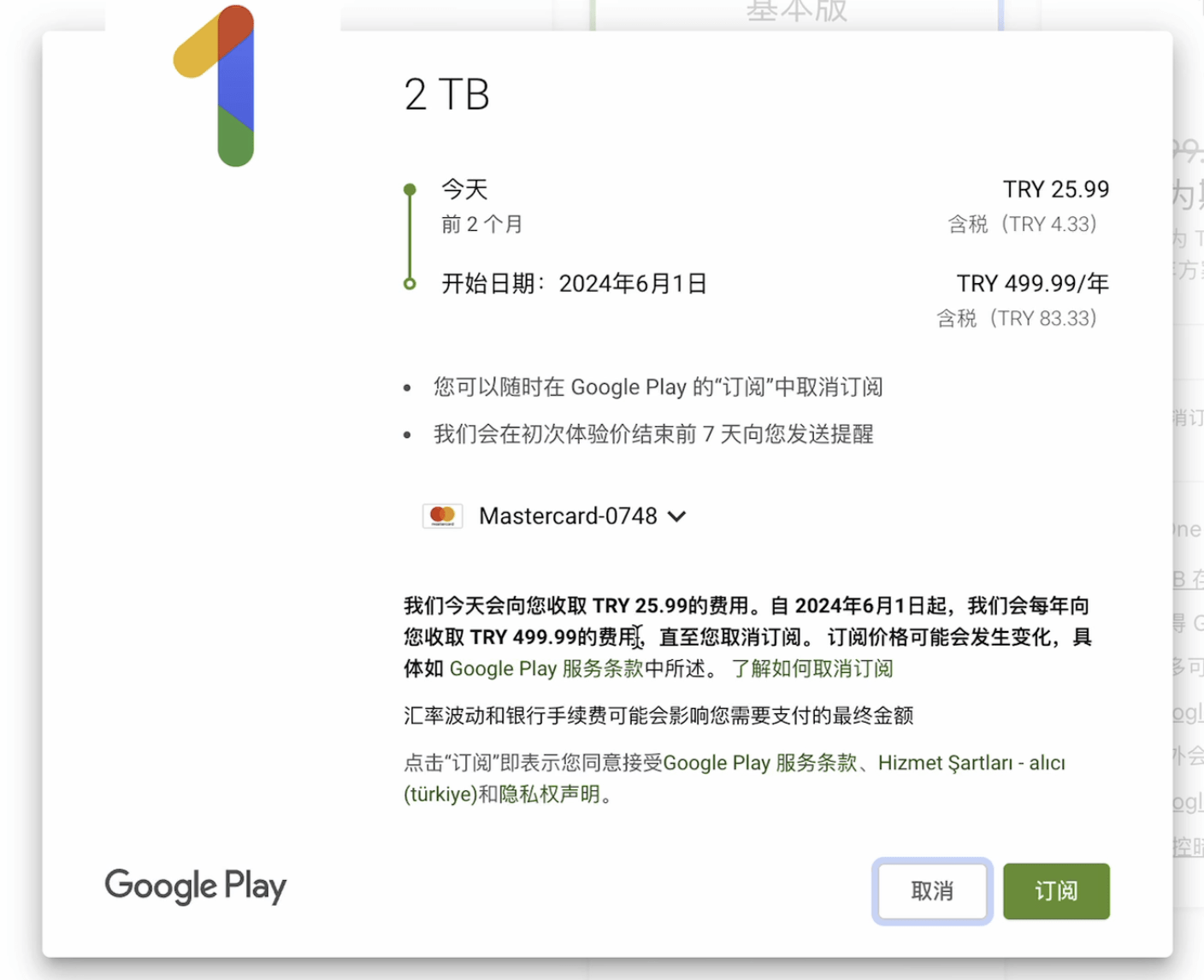
3. Payment failed
Yes, this is the result of me being stubborn and not using “residential IP + fingerprint browser” the first time.
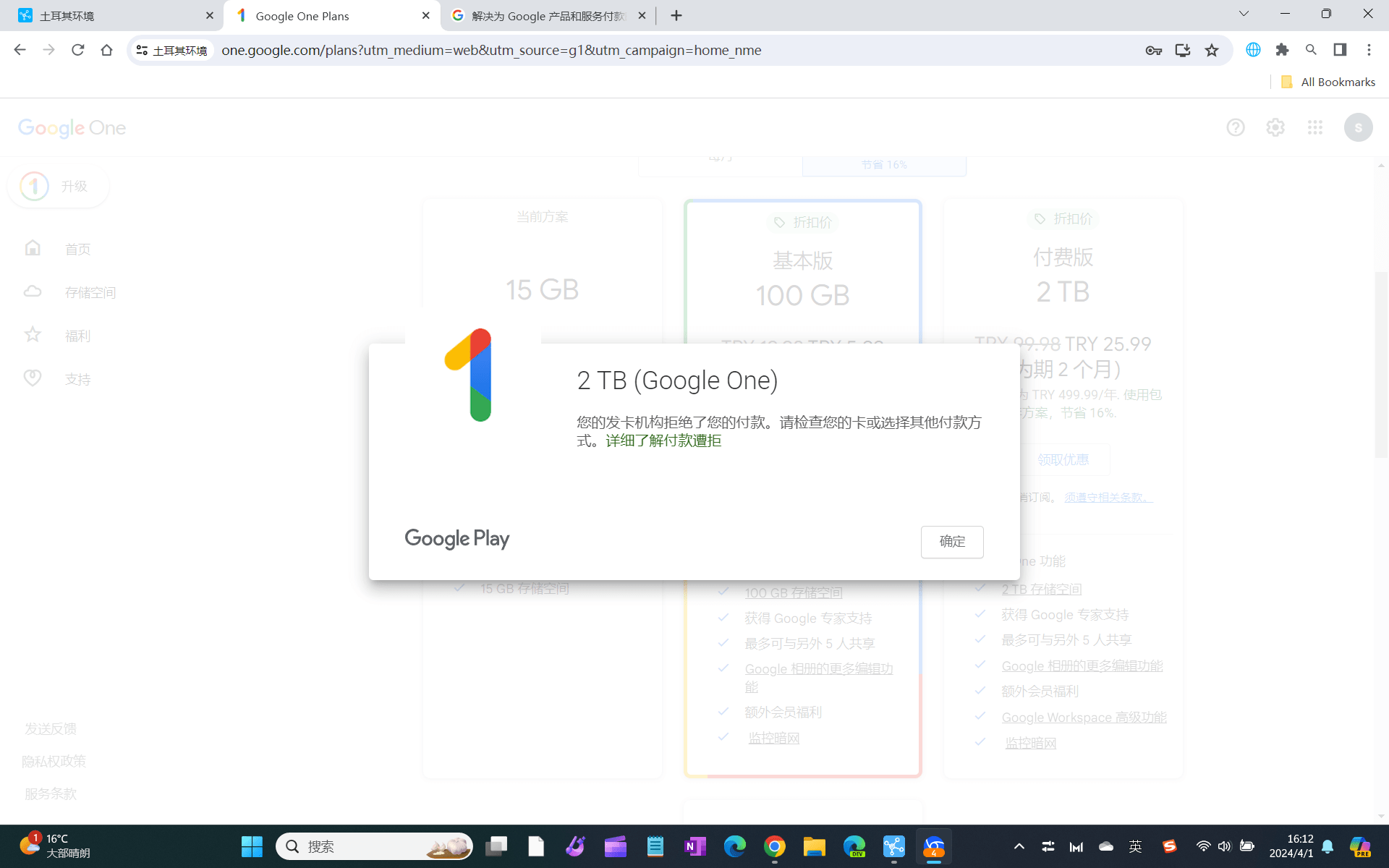
4. Change the Turkish environment
Failed again...but the hint is different, I feel hopeful...
Note the screenshots, I have switched from Mac to Windows just to use the fingerprint browser.
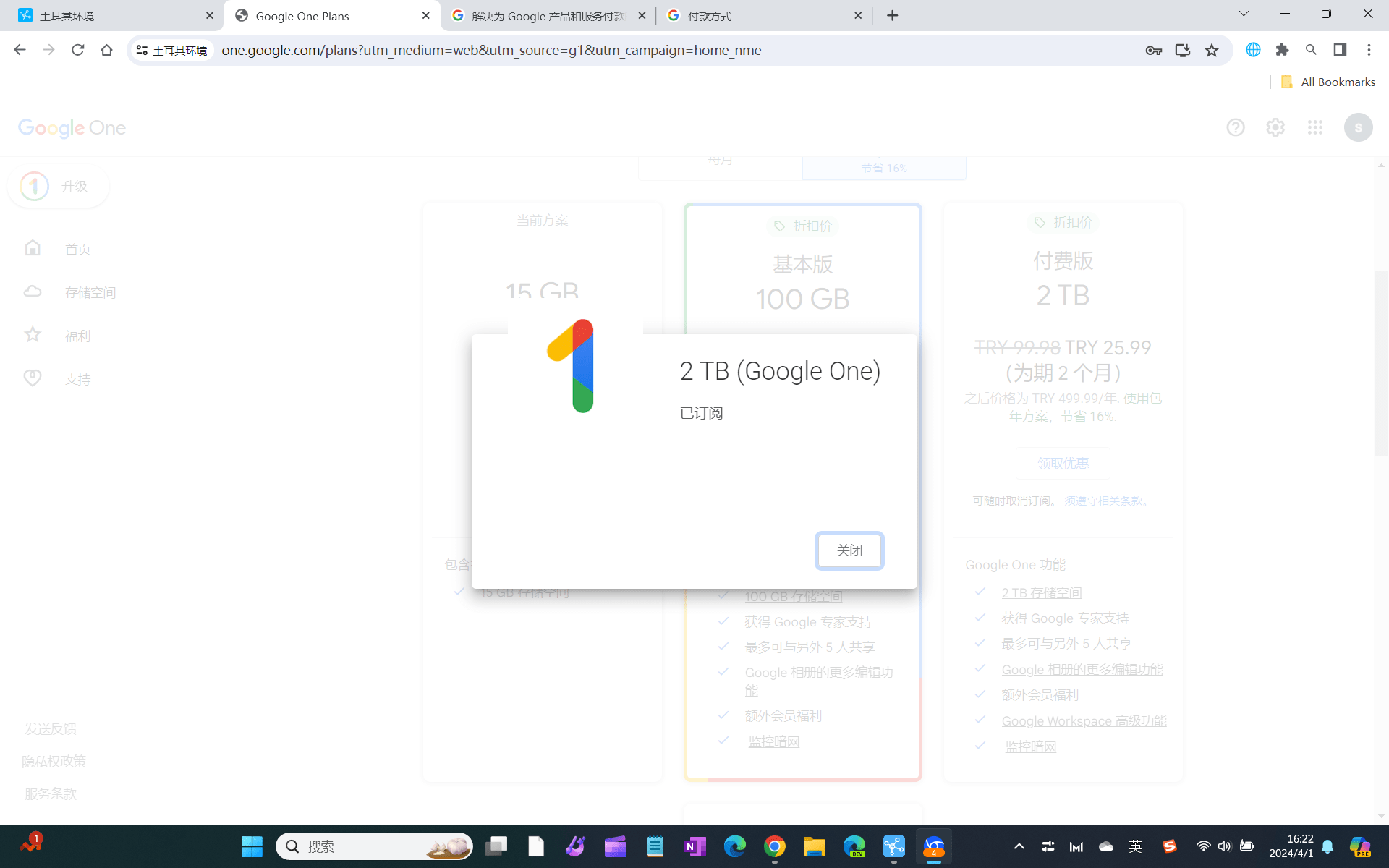
5. Payment successful
Here are two pictures. Pay attention to the second one, I changed the credit card.
I originally used the oldubil Turkish virtual bank card, but the payment failed. So I switched to a VISA multi-currency credit card from Bank of China, which was approved in one try.

IV. Precautions
1. About Google One and Family Sharing
It took 6 days from the successful registration to writing this tutorial. This is because I repeatedly tested how to form a family group with accounts in different countries. Because Turkey Google One does not have a popular VPN. After repeatedly combining countries (Turkey/USA), accounts (account A/B), and roles (administrator/member), I came to the following conclusions. There must be what you need.
(1) One account
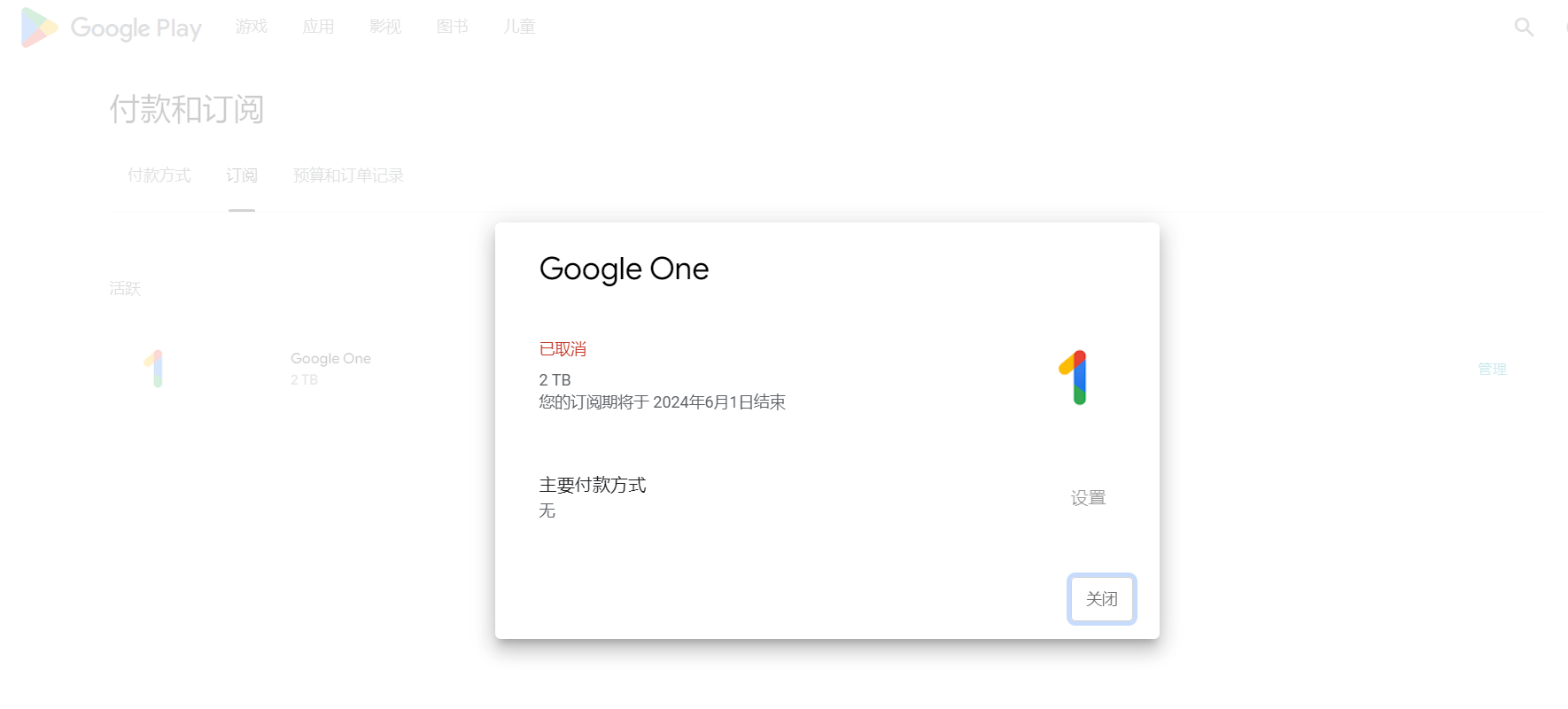
You can first register a local account and subscribe to Google One; then change the country (such as the United States) and payment information. At this time, the subscribed app cannot be renewed. However, VPNs that are not available in the local area can be used.
(2) Two accounts
Here’s a little tip: Google only allows accounts in the same country and without payment information to form a family group. So, if you want to achieve family sharing, you must follow the above conditions. Either they are in the same country, or one of the accounts has no payment information (that is, no country).
2.1 The Turkish account is the administrator
If the administrator changes the zone to US, all members can use VPN;
Members who change to the US region cannot use VPN;
2.1 Turkish account as member
The administrator forms a team in the United States, and the members change to Turkey. After sharing the subscription, members in supported VPN countries can use it;
The administrator formed a team with no information, and the members were from Turkey. Later, the administrator changed to the United States, and VPN could not be used. This is an invalid combination unless the Turkish members also changed to the United States.
If the administrator forms a team in Turkey and then changes back to the United States, VPN will still not work, unless the Turkish member changes to the United States.
(3) Three accounts
Account A: No payment information. As an administrator, you can invite accounts from different countries. (Change the node according to the country of the invited member before sending the invitation link. Otherwise, it will prompt that you are not in the same country.)
Account B: Turkish data, as a member, responsible for sharing the low-priced Google one;
C account: payment information such as the United States, as a member, you can share Google one and use VPN;
(4) Unexplainable and outrageous operations
When the Turkish account was changed from the United States (with VPN) back to Turkey, the VPN was still there, speechless; and the original subscription was not renewed because the account was restored to Turkey. I can only wait until the subscription ends to see if it can be renewed.
After leaving the family group, the original US account administrator also retained the Google one subscription and VPN, and continued to be speechless.
2. Please avoid my wrong operation
It can be said that I have made all the mistakes that should not be made in the family account combination. Therefore, the best way for friends who want to use Google VPN with family sharing is to either use the Turkish account as the administrator, but there are restrictions on member countries and you need to change the country; or use the non-payment information as the administrator, and form a team at will, but it must occupy a family name.
However, sharing other subscriptions won’t be so troublesome.
3. Will my account be blocked if I frequently change my payment information?
Probably not, but try to avoid it.
My account has changed, added, and deleted payment information no less than 10 times in one day. It is still valid.
Also, don't believe in the reminders about caching and taking effect in 48 hours after changing the country. I have changed it so many times, and it basically takes effect immediately. I changed the country twice, and I waited for two days each time, but there was no change.
Finally, friends who want to save money should act quickly. In addition to Turkey, other low-price countries are also waiting for you.
By the way, friends who don’t have a credit card can also pay with Google gift cards.
For a guide on buying Turkish gift cards, see this article:
Okay, if you find it useful, just follow it.
It’s not easy to write, so you can click on the ads.

Thanks for sharing, it works perfectly according to your operation.
Boss, I tried to pay in your way, but it kept saying "Your purchase could not be completed. Please update your Play account settings so that the selected Play country/region matches the country/region where you live."
Does it mean that my account has been controlled?
The only difference is that I did not register newly, but paid directly by logging into my account (with the correct region).
You saw it too late, Türkiye has already locked the card
Can I still use a gift card if my card has been locked?
Yes, but Google gift has very strict risk control, so avoid it if possible.
Can it still be used now? The method in the article
cannot
Thanks to the blogger, it is now July 20, 2025, and I still found a way to bypass the so-called "lock card"
My Google account is in the US region
Payment profile is Turkish
Google One has expired
I chose the 2T plan, but it kept reminding me that my play account and country/region are inconsistent.
I almost gave up.
Then I clicked on Google One's trial Google AI 2TB plan and found that it was possible
Then I tried to downgrade to the 2TB plan and found that it actually worked.
It seems that the trial of Google One was not strictly tested, which left loopholes.
I'm gone to tell my little brother, that he should also pay
a visit this webpage on regular basis to get updated from most recent reports.
I always used to read piece of writing in news papers but now as I
am a user of web so from now I am using net for articles or reviews, thanks to web.