When using Netflix account, sometimes you may encounter the situation where the interface is in English:

If you want to change the viewing interface to Chinese, just do this:
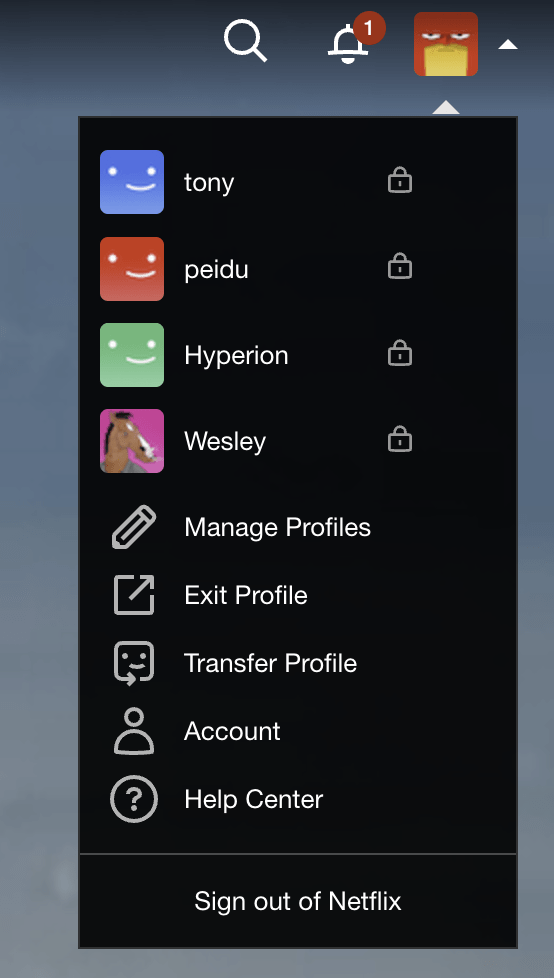
1. Click on the profile picture and select "manage profiles"
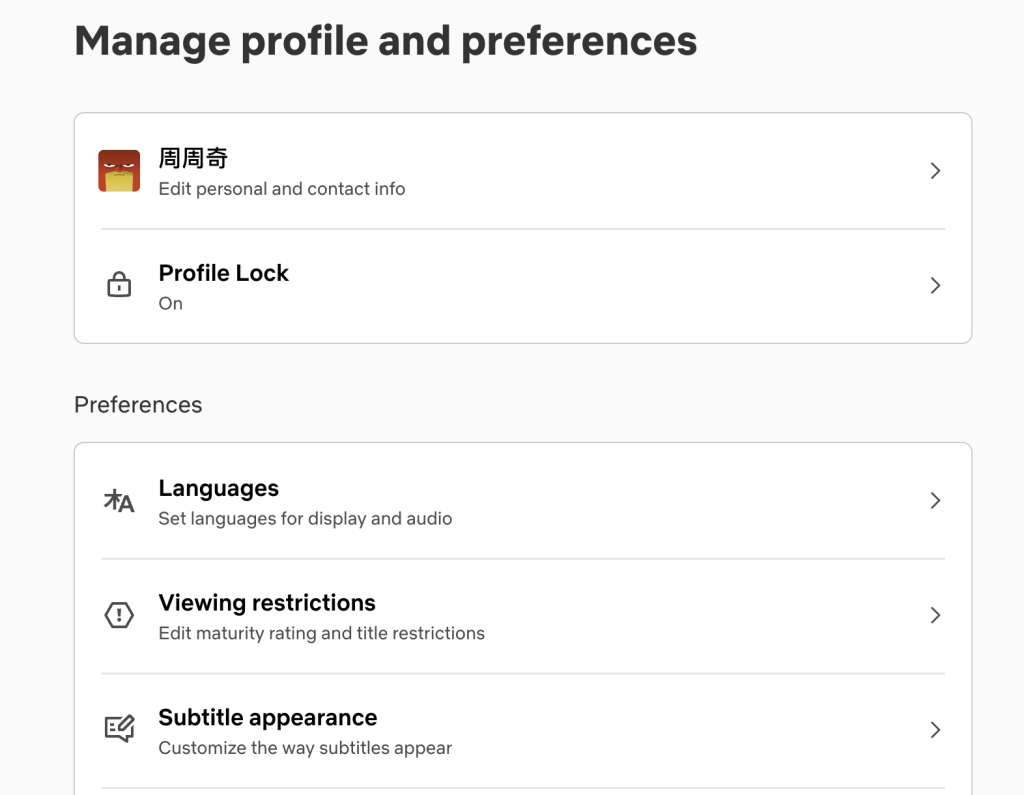
2. Select “languages”
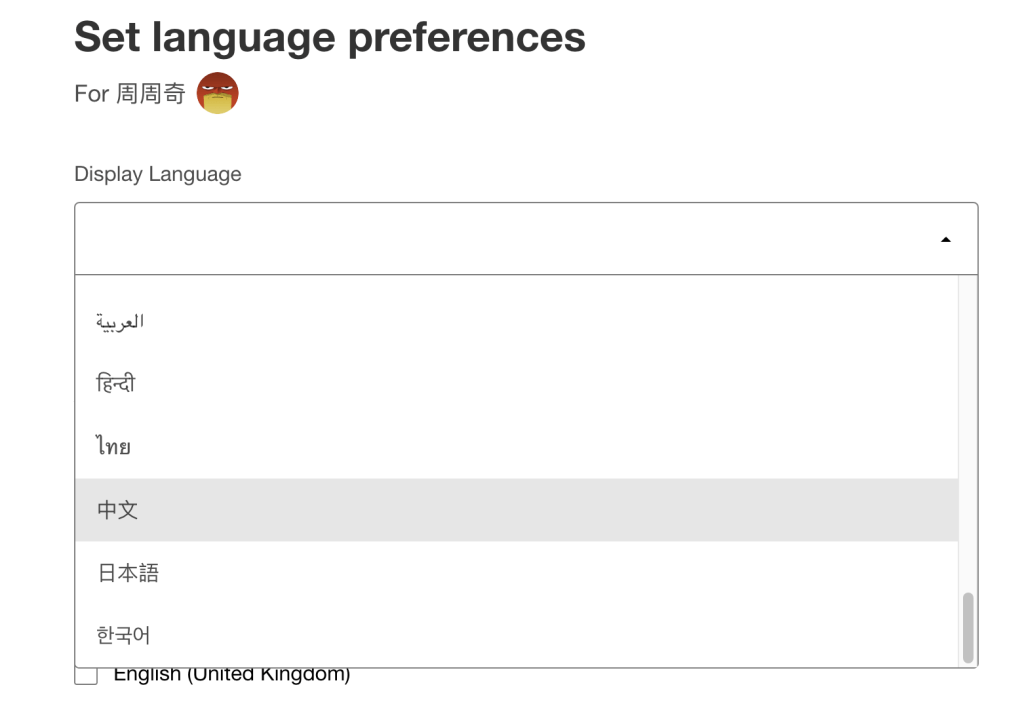
3. Select "Chinese" in "display language"
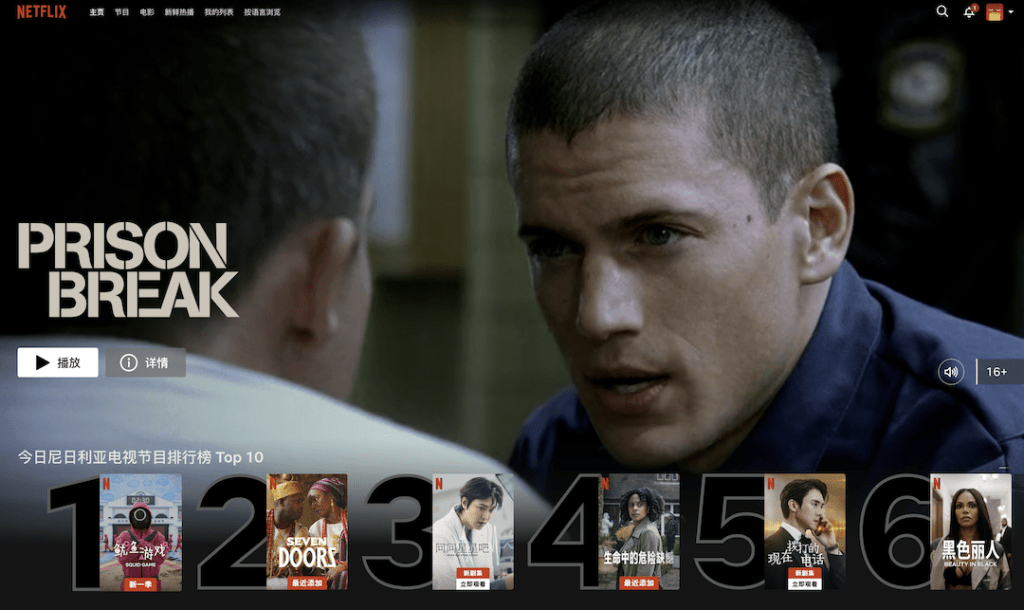
4. The viewing interface is successfully changed to Chinese.
If you're watching on a phone, TV, or tablet, the steps will be slightly different, but the basics are the same.
If you want to see more hidden content on Netflix, you can read this:
《Netflix movie watching hidden code》
Okay, if you find it useful, just follow it.
