与其他安卓手机相比,Google自家的Pixel手机有一些特有功能,GoogleVPN就是其中之一。
从Pixel7系列开始,GoogleVPN已内置其中,永久免费使用。
不过,由于中国内地屏蔽了Google的80、443端口,所以想要正常使用GoogleVPN,就需要借助前置代理来连接一下。连接成功后,就可以直接使用GoogleVPN。
这就相当于,可以用一个相当廉价的、质量一般的机房IP,换到优质的Google IP,而且没有流量限制。
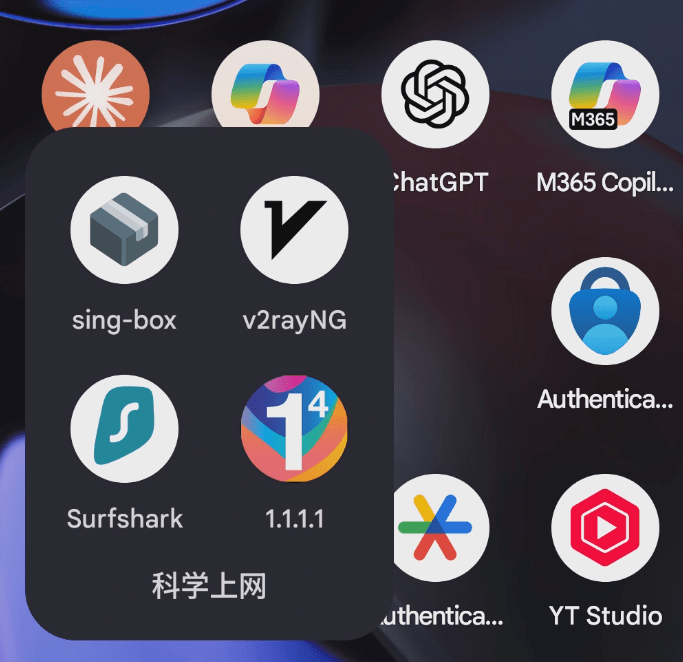
关于前置代理,我使用的是singbox,也可以使用V2rayN或Clash,操作流程都是一样的。
接下来,我们就演示下:
一、打开前置代理
首先打开singbox
连接下节点
为防止连接规则有误,可以改成全局代理,也就是选择Global。
连接成功后,切换到GoogleVPN
二、打开GoogleVPN
我们打开GoogleVPN
在连接时,状态栏代表VPN标志的小钥匙会消失
这时,迅速切换到singbox,重新连接下
然后,再切换回GoogleVPN
等待连接成功就可以了
如果不熟练,就重复操作几次。

三、检查IP
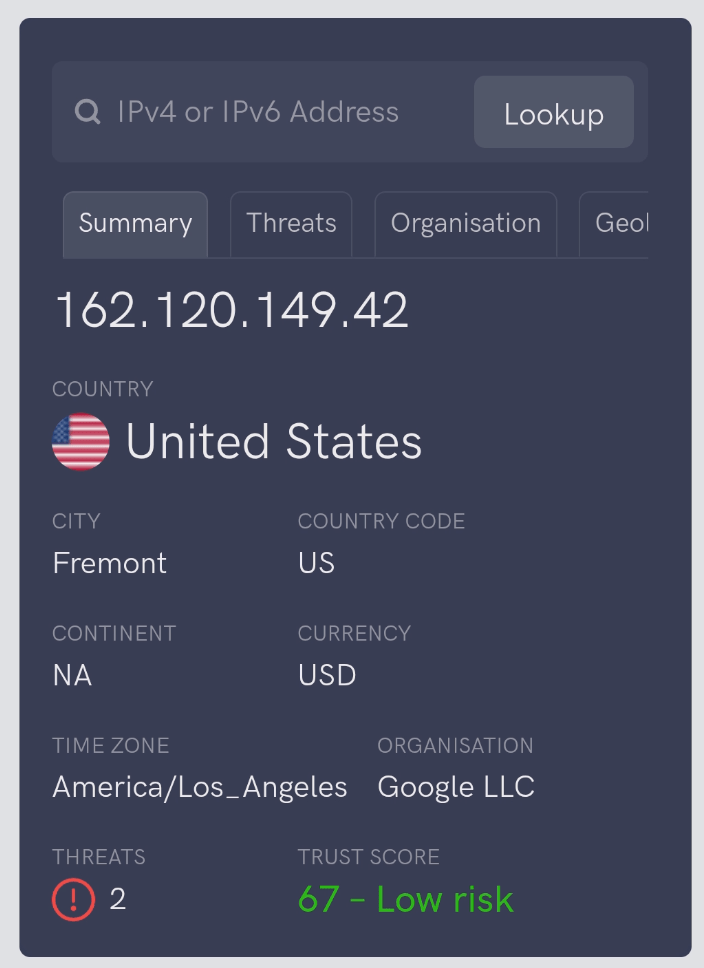
我们再看下IP,确实属于Google云,这就说明连接成功了。
四、测试网速
接下来,我们简单测测网络速度。先说明下,做这个视频时,我是在地下一层的超市中,手机信号非常一般;由于临近春节,超市内人也很多,所以,数据仅供参考。
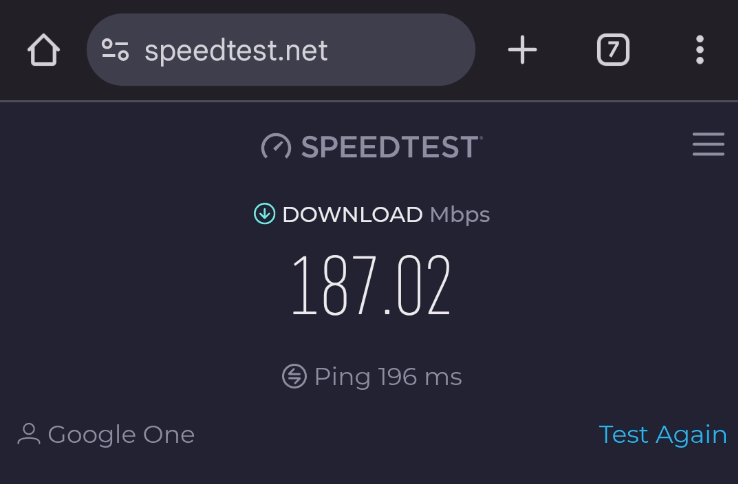
首先,看下SpeedTest的速度
下载是187兆
超出了我的想象
然后看下流媒体测速
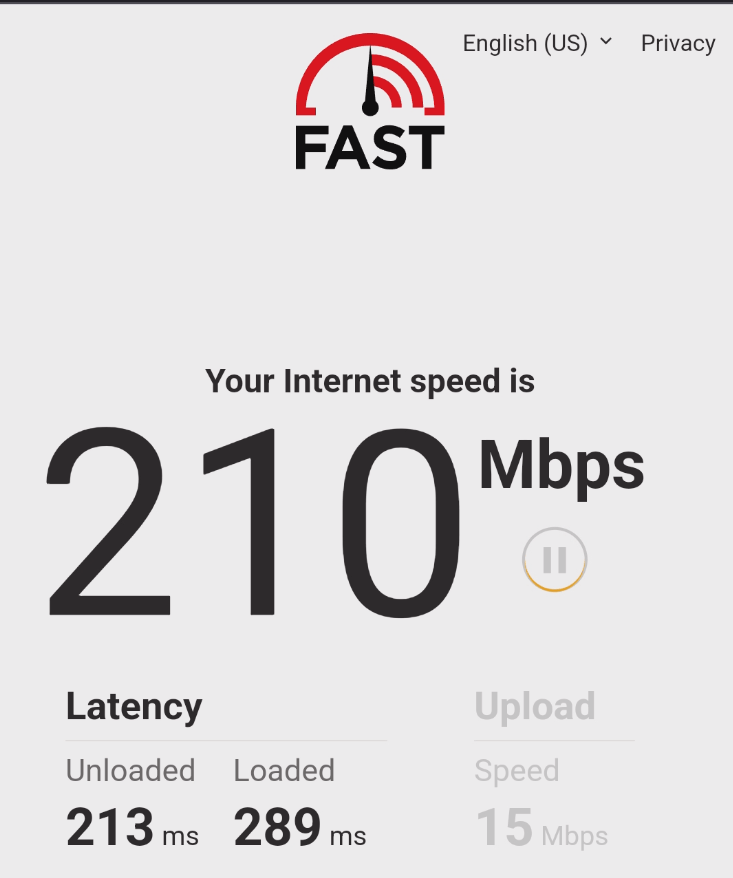
先看看Netflix
达到了210M
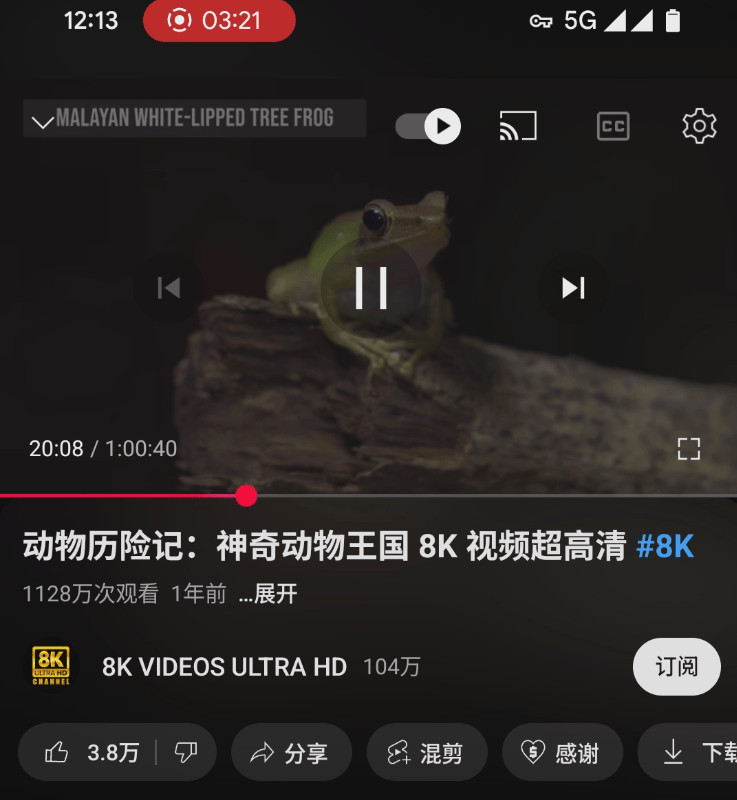
最后看下YouTube
随意快进,观看速度也很流畅
好啦,这就是关于Pixel手机
在中国内地正常使用GoogleVPN的操作分享
希望对你有所帮助
觉得有用
就关注下吧

Just desire to say your article is as amazing. The clearness in your post is simply
spectacular and i can assume you are an expert on this subject.
Well with your permission allow me to grab your feed to keep updated with forthcoming post.
Thanks a million and please continue the rewarding work.
certainly like your web site however you have to check
the spelling on several of your posts. Many of them are rife
with spelling issues and I find it very troublesome to tell the
reality nevertheless I’ll certainly come back again.
Hi, Neat post. There is an issue together with your site in web explorer, could check
this? IE still is the market leader and a large element of other folks will pass over your excellent writing because of this problem.
Hi there would you mind stating which blog platform you’re working with?
I’m planning to start my own blog in the near future
but I’m having a difficult time making a decision between BlogEngine/Wordpress/B2evolution and
Drupal. The reason I ask is because your design and style seems different then most
blogs and I’m looking for something completely
unique. P.S Sorry for getting off-topic but I had to ask!
Keep on writing, great job!
I think this is among the most significant info for me. And i’m glad reading your article.
But should remark on some general things, The site style is great, the articles is really great : D.
Good job, cheers
No matter if some one searches for his essential thing, therefore
he/she needs to be available that in detail, thus that thing is maintained over here.
Quality articles or reviews is the important to invite
the viewers to visit the website, that’s what this website is providing.