Related Reading:
Apple TV 4K Hardware: From data cables to TV speakers, verify the shortest board at any time
If you want to make good use of Apple TV 4K, you not only need to prepare the hardware, but there are also many software thresholds waiting for you to cross and toss.
If I were to use one sentence to describe my experience during this period of time, it would be: burning money! Burn money! Burn money!
Apple TV will make you fully realize that knowledge is valuable and copyright costs money.
After you download one piece of software after another, you will look back at a certain moment and suddenly you will understand: a dull knife cuts flesh, that's how it is...
Next, I will introduce it one by one from configuring description files, adding external Apple IDs, Apple family bucket software, audio-visual media apps, etc., and briefly mention the role of Apple TV as a smart home hub.
I hope that after reading this article, friends can still maintain their original intentions and firmly decide to buy Apple TV.
one, configurationhttpDescription file
Recommendation: Use routing instead of description files if possible
I wrote a separate article. Friends who want to know more about it can go here:"[Apple TV] Tutorial: Configure the description file to set up http proxy to solve external network problems".

In short, if you cannot solve the external network problem from the routing level and want to access the Internet through http proxy, you can use this method, but it does not apply to YouTube.
2. External area Apple ID
Recommended: Two Apple IDs in the US and China
Since it is not released in mainland China, there is no App Store when logging into a domestic account on Apple TV and you cannot download apps, so you need to apply for an account in other regions. Most people will apply for the US zone. Some people will also choose local zones, Indian zones, etc. in order to pursue low-priced App subscriptions brought about by the exchange rate. Friends who have the ability, try to apply for accounts in the US area and Tu area. The former has a more comprehensive number of apps, while the latter has a lower app subscription price.

Unlike other Apple devices, Apple TV can save multiple login accounts and switch between them by pressing and holding the "TV" button on the remote control. Therefore, we can apply for Apple IDs in multiple regions and switch as needed.
Friends who have just used Apple TV often have this confusion: How can I use an App that is paid in the domestic region with an account in a foreign region? Do I have to pay again? After all, my main account is usually in the country, and it is troublesome to switch accounts frequently.
Take infuse as an example. If your national account is already a subscription or lifetime user, you can first log in to the foreign region account to download, then switch back to the national account, and then enter the software page to resume purchasing.
For account application and recharge methods, please refer to the following two articles:
How to apply for an Apple ID in the US:【Apple】I will help you overcome these thresholds when applying for an Apple ID in the US.
How to apply for Tu District Apple ID:[Apple] iCloud Family Sharing: Spend 200G to use 2T of space in the country’s land exchange area
3. Apple One
Recommended: Ordinary people carpool, Taurus departs, rich people use it for themselves
After solving the network and account issues, the first thing to consider is whether to use Apple One services, which include iCloud+, Apple TV+, Apple Music, Apple Arcade (games), Apple Fitness+ (fitness) and Apple News+.
Not every country supports Apple One. You can check the support status of each country at the following website:
https://support.apple.com/zh-cn/HT204411
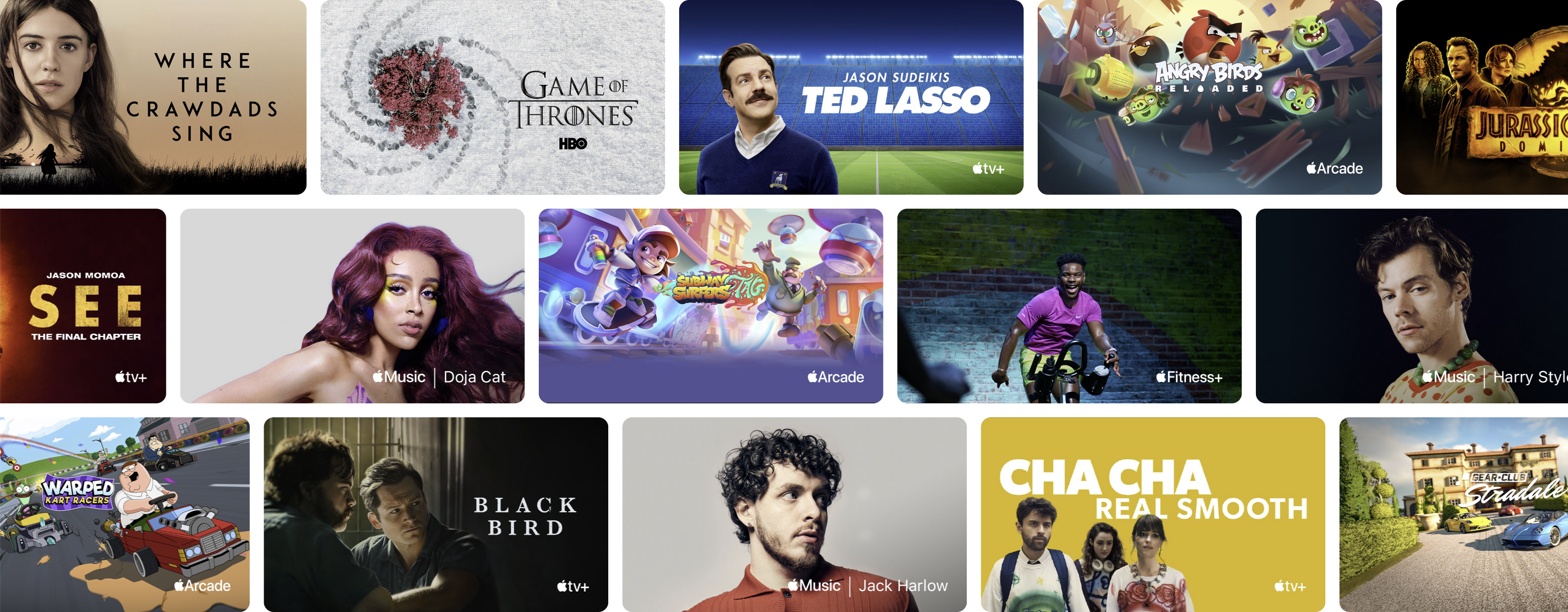
Taking the cheaper Türkiye area as an example, it does not support Apple One.
Apple TV+ only has a limited selection of movies and episodes to rent or purchase, and there's no Apple Fitness+. However, Apple Music and Arcade are relatively cheap individually, at 19.99 and 34.99 Turkish Liras per month respectively, equivalent to RMB 7 and 12.4. In the US, the prices are $10.99 and $4.99. Isn’t the contrast very strong?
If you are single (no offense intended) and don’t care too much about iCloud capacity, you can consider carpooling with a family group. You only need to spend about 60 yuan per month to enjoy the full set of Apple One services.
My wife and I both have a lot of demand for iCloud space, so there is no way to share the cost evenly through the family group "departure" method.
It is worth mentioning that when I changed my Apple ID from the US area to the local area, it may be that the App Store has not switched. Apple Fitness+ has always existed, and the subscription price is also the local price. I remember it was 34.99 Turkish lira. Later, because I downloaded the app from the AppStore, Apple Fitness+ was no longer available.
It’s unclear whether you can subscribe to Apple Fitness+ individually at a low price this way. Interested friends can try it.
4. Network streaming
Recommended: Infuse/Plex optional or dual repair
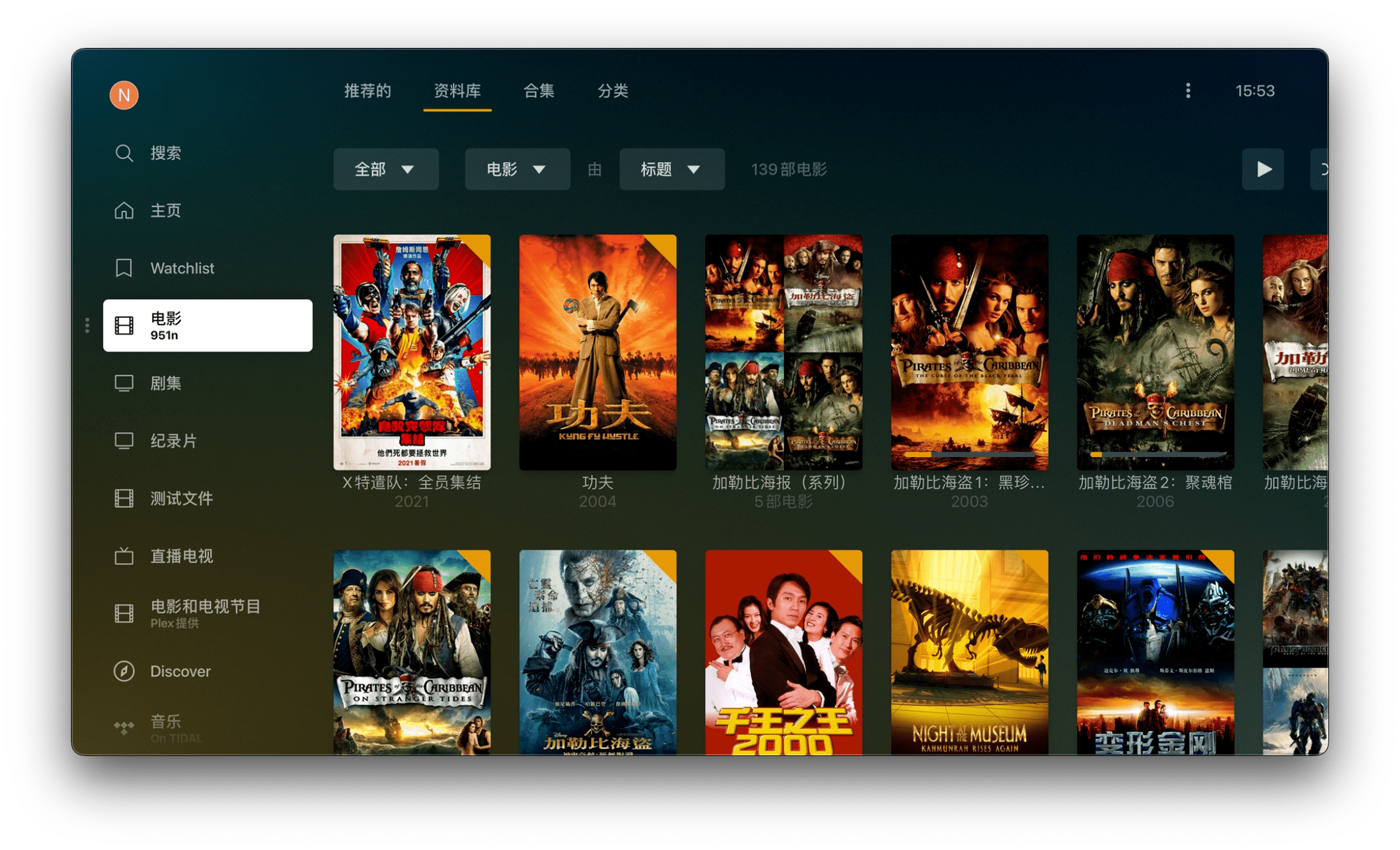
Anti-collision tip: Do not compare the objective pros and cons of the following apps, only talk about the scene, price and subjective feelings.
Audio-visual entertainment is the core need of all those who buy Apple TV, but this core need cannot be enjoyed without spending money.
After all, if you just want to play videos from the hard drive, you can just plug the hard drive into the TV, and there is no need for Apple TV at all.
For this type of playback software, there are usually the following requirements:
- Supports connecting to more devices: such as local files, NAS, network disks, and connecting to Plex/Emby/Jellyfin servers
- Supports smooth playback of more video formats: such as 4K/HDR/Dolby Vision, etc.
- Supports automatic film and television scraping: accurate information, beautiful poster wall, preferably with custom permissions
- Support automatic download of matching subtitles
- Supports LAN and remote cross-platform/cross-device playback
- The interface is simple, the operation is simple, and it is not separated from the Apple TV UI.
Based on the above needs, I divided the videos I watched into two categories. One category is a collection of movies and documentaries that I watch repeatedly and will be downloaded to the NAS; the other category is the latest movies and TV series, which are mainly saved on the network disk and deleted dynamically. . I currently use Plex to build a media library, and use infuse to connect Plex and Alist to play two types of videos respectively, which is a combination of infuse+Plex.
Friends who are unwilling to pay for Plex can also use the free Emby/Jefflyfin instead.
1, infuse
Lifetime version: $94.99, monthly subscription $0.99.
Prices across countries are basically the same.
This software supports audio and video from local folders, SMB/FTP/NFS/WebDav network shares, network disks such as Googledrive/Dropbox/OneDrive and Plex/Emby/Jellyfin servers. You don’t have to worry about the colorful picture when watching Dolby video. , students who chose the wrong Kodi version must feel the same way.

Automatically searching and mounting Chinese subtitles is really good news for beginners. The film and television scraping and software interface are full of "fruity" flavor, and it should be the most used playback app on Apple TV.
However, as good as it is in supporting the Apple ecosystem, it is very dismissive of other systems. There are only iOS/iPadOS/macOS/tvOS versions. Users other than Apple, especially those using Android phones, should check it out.
2,Plex
Terminal version: $119, monthly subscription $4.99.
Tu District Lifetime Edition is 822.99 Turkish lira (excluding promotion code), equivalent to RMB 291.62. (The application for Tuqu virtual credit card is really difficult to describe...)
If I had to choose between infuse and Plex, I would choose Plex. Because it has everything infuse has.
In addition, Plex can also watch and record live TV, and it also supports multiple systems. Whether it is Apple/Android/Windows/NAS, there are clients, which can be regarded as a multi-functional one.

However, the problem with Plex is that it is too complex to operate, and the media library settings can make newbies' scalp numb. Moreover, you must have a NAS at home, and the hardware decoding capability of the NAS must not be too weak. Like my Qnap 951n, the CPU is Inter 3865U. As soon as I use Plex CPU, I go for 100%.
But on the other hand, Plex's remote streaming capabilities are excellent. For example, if you go out and want to watch a 50G 4K video, if your network can support it, Infuse can only play it in source code, which is a waste if you put it on a small-screen device; Plex can choose 720P or 1080P decoding and playback, saving money. Flow and smooth.
3, Emby
Lifetime version: $119, monthly subscription $4.99
It has similar functions to Plex and Jellyfin, but there is no need to pay to use it.
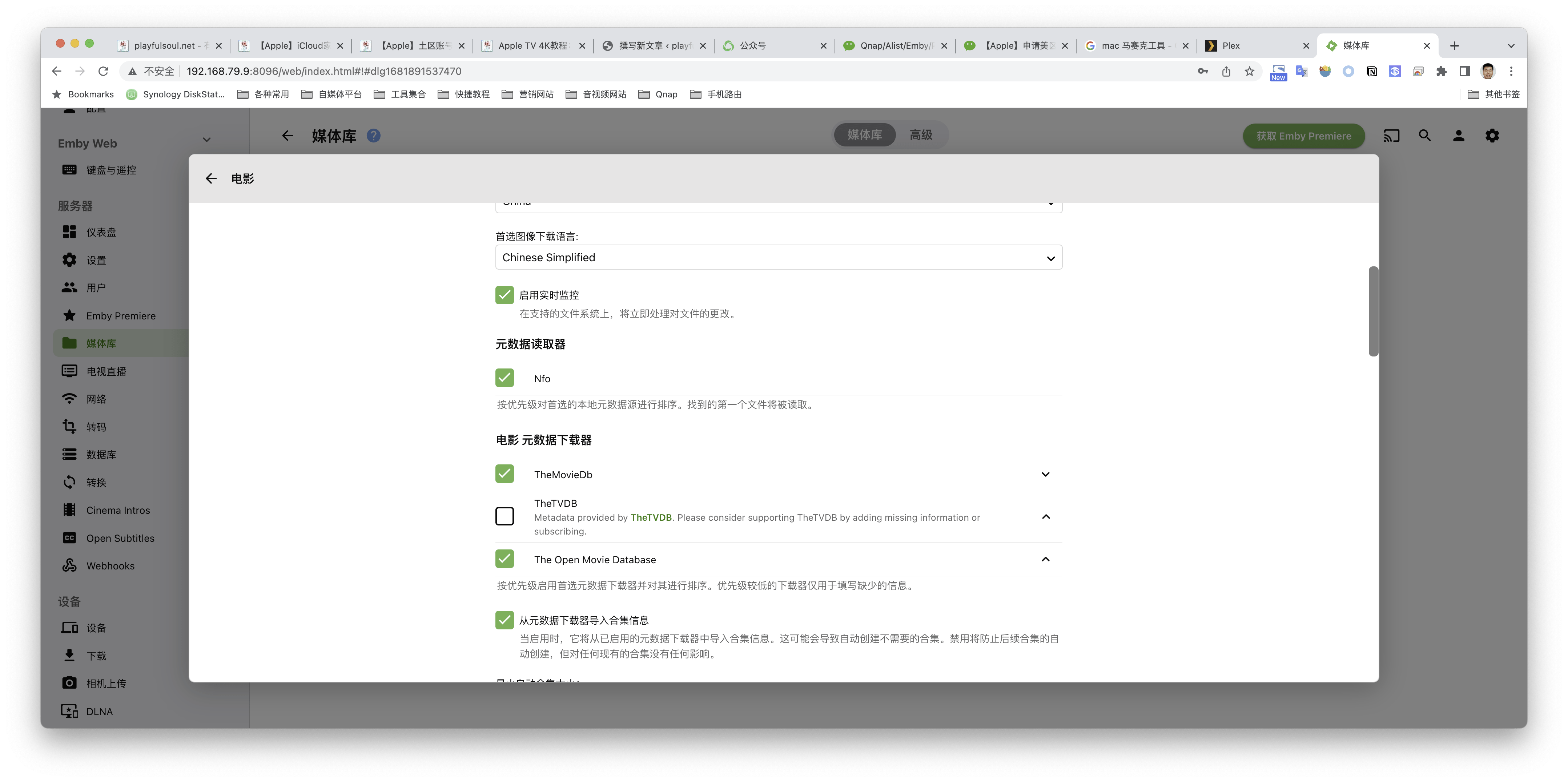
I currently share infuse+Plex+Emby. Because I discovered a unique scene in Emby: you can see Alist’s WebDav location in Qnap. In this way, Plex can mount various network disks through Alist.
For details, please see this article:Qnap/Alist/Emby/Plex: Refuse to write code to mount WebDav to the local NAS for beginners
As for why I didn’t choose it, I can only say that I’m used to using Plex, and my three views are different.
The same goes for Jellyfin, so I won’t go into details.
If you are just looking for a free player on Apple TV and don't want to pay for infuse/Plex, then VLC is also an option. But, if that’s your choice, why not install Kodi on your TV and buy an Apple TV?
5. External network streaming media
This part depends on each person's movie-watching habits, and the cost also varies.
If you want to rank the streaming media that everyone often watches, they are probably YouTube Premium, Netflix, Disney+, HBO, etc. In addition, there are Spotify, Amazon Prime, Hulu, etc.
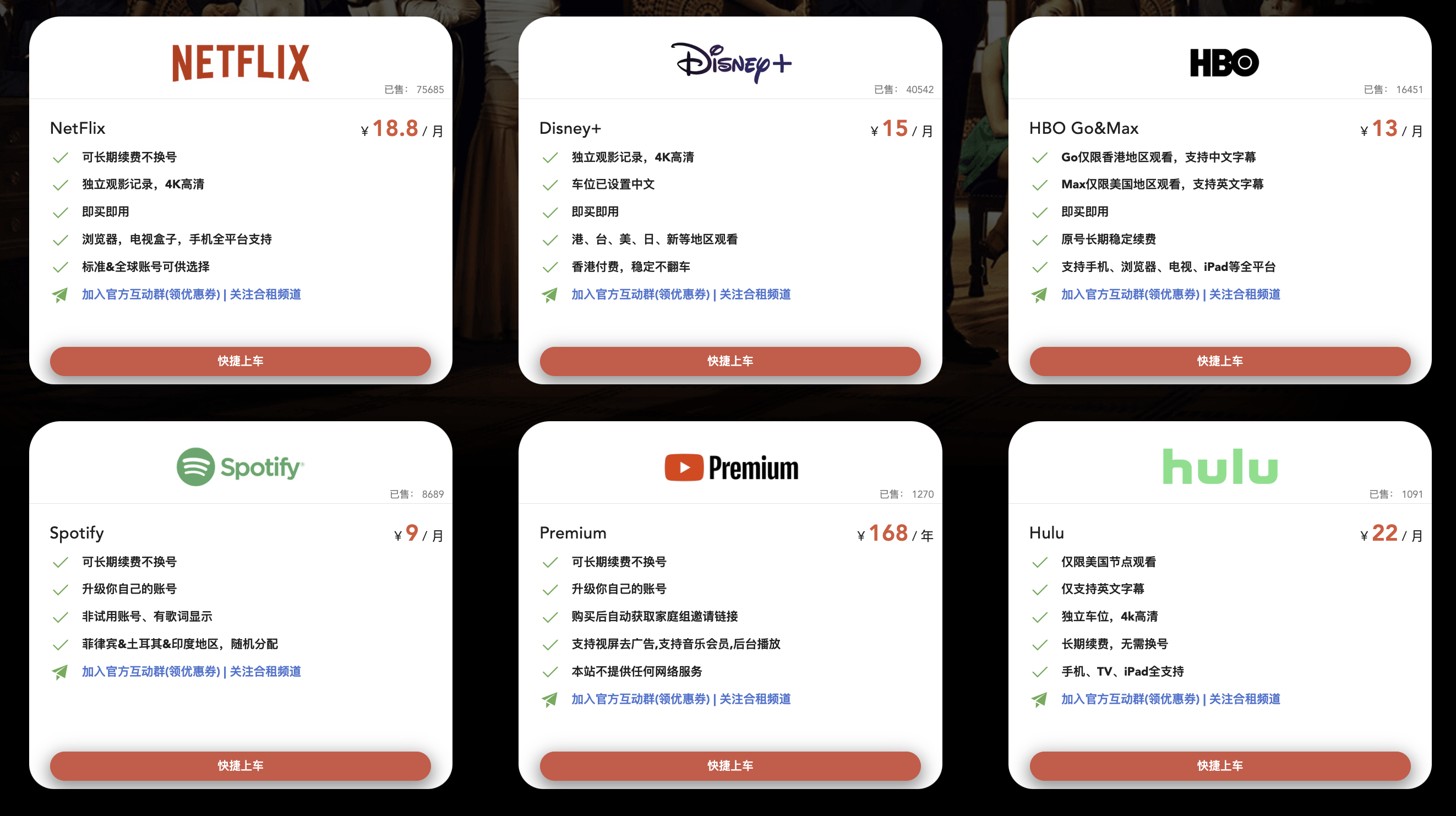
For these software, it is meaningless to talk about the official subscription price. Most people will use family groups to "carpool", and the actual consumer price is about this level:
- Netflix: around 250 yuan/year
- Disney+: around 100 yuan/year
- YouTube Premium: around 160 yuan/year
- HBO: around 220 yuan/year
Although for most popular dramas, there are ways to find resources online, even limited by external network conditions, the actual experience will be better than watching them directly online.
But what I want to say is: using Apple TV is a state, a mentality of leaving all the movie-watching experience to it and never having to worry about it again. When you sink into the sofa, pick up the remote control, free your mind, and no longer want to watch or open anything. As your fingertips slide, a beautiful media wall flashes before your eyes, and the day ends casually. It's pleasure, not exhaustion.
This state cannot be brought about by "finding videos online - transferring to a network disk - opening the app to watch".
It is truly beautiful to arise by chance and meet unexpectedly.
What's more, compared to YouAiTeng, the difference in viewing between true 1080P and 4K video can be discerned at a glance. If you are new to it, you might as well try Netflix first, maybe the "Sea of Stars" is right in front of you.
Currently, I am using my own Google one and YouTube Premium family account. I am debating whether to replace my local iCloud (2T) with the American Apple one so that I can use Netflix, but I am too lazy to bother with it. Friends who are interested may wish to mark it. Maybe one day I can no longer bear the pressure of life and release the demand for departure.
little advertisement
Streaming media sharing account platform:Global Bus, 10% off discount code:playful
Now I am trying to do it myself, you can see here:
"I Want to Send a Car: Netflix/YouTube Premium", because the official account cannot change the content. Over time, the price will change slightly, and the details will be subject to communication.
6. Live TV
Recommended: iplaytv, APTV

1. iplaytv $5.99
Apple TV ranks second in the paid list. This is an app that most digital bloggers will recommend. It is said to be powerful. But I haven’t used it, so I won’t comment on it. I mainly think it’s not worth it.
2.APTV
If you think it’s expensive, you can consider this alternative app. Its free version can import one live broadcast source, and the Pro version does not limit the number of live broadcast sources and costs $2.99.
If you can find a stable and complete live broadcast source, or can edit the live broadcast source, you don’t need the Pro version at all.
3.Plex
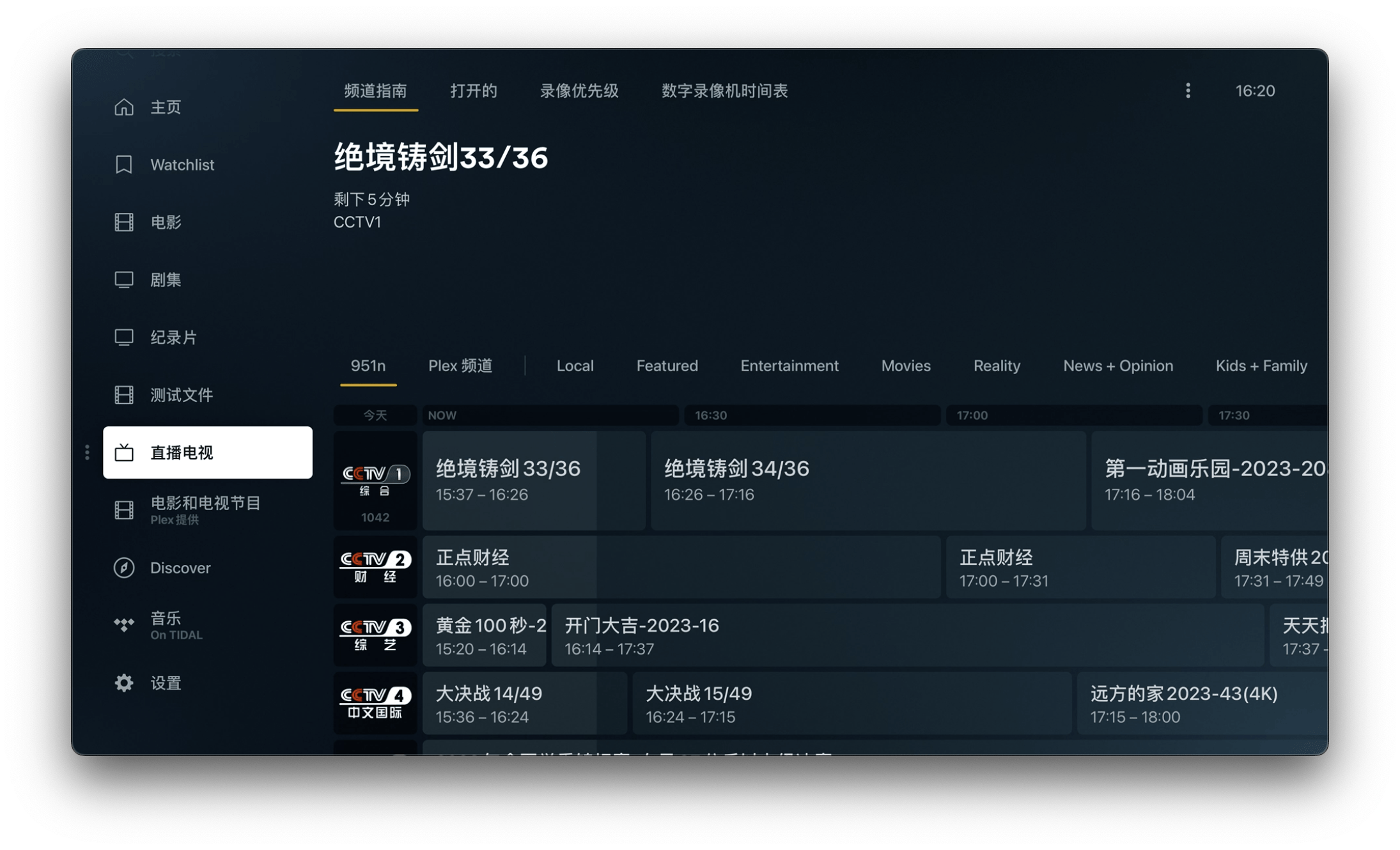
Yes, Plex can also watch live TV and record it on a scheduled basis. But its setting is much more difficult, which may dissuade many people. I'll do a separate tutorial when I have time.
Not many people watch live TV now, and broadband operators will also give away TV boxes. After paying, live TV and rewatching are also available. So, whether you want to be "all in one" or not, it all depends on you.
7. Domestic video applications
Recommendation: Nothing to recommend
I don’t know why, but many people who buy Apple TV want to watch Station B on this device, but it’s not officially available. As a result, two Apple TV paid list apps were born, namely Cheers ($5.99) at No. 4 and Miao Project ($9.99) at No. 12. This is quite unkind to Sister Li. I won't buy it anyway.
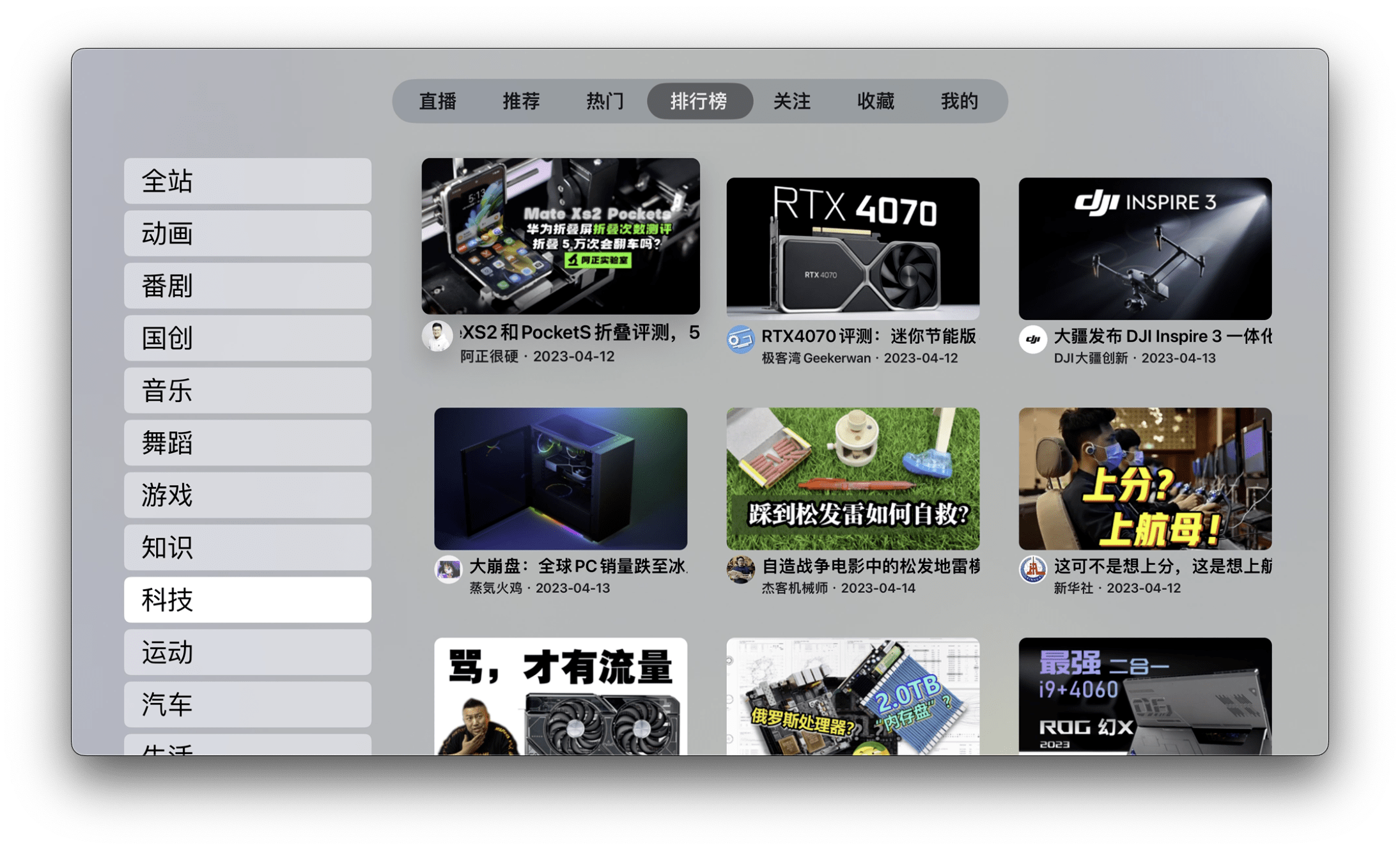
Another way for friends who want to see Bilibili is to download Xcode and use GitHub projects to make a trial version of Bilibili. But it is said that if you view Station B through this project app, it cannot be included in the main traffic of UP. So the suggestion is: it’s OK for experience, but for common use, duck is not necessary.
Finally, there is the overseas version of Youaiteng. Since the account is not universal, don’t bother.
8. Smart home hub
Friends who have used smart homes should know that smart home devices usually require a control terminal - a Hub gateway.
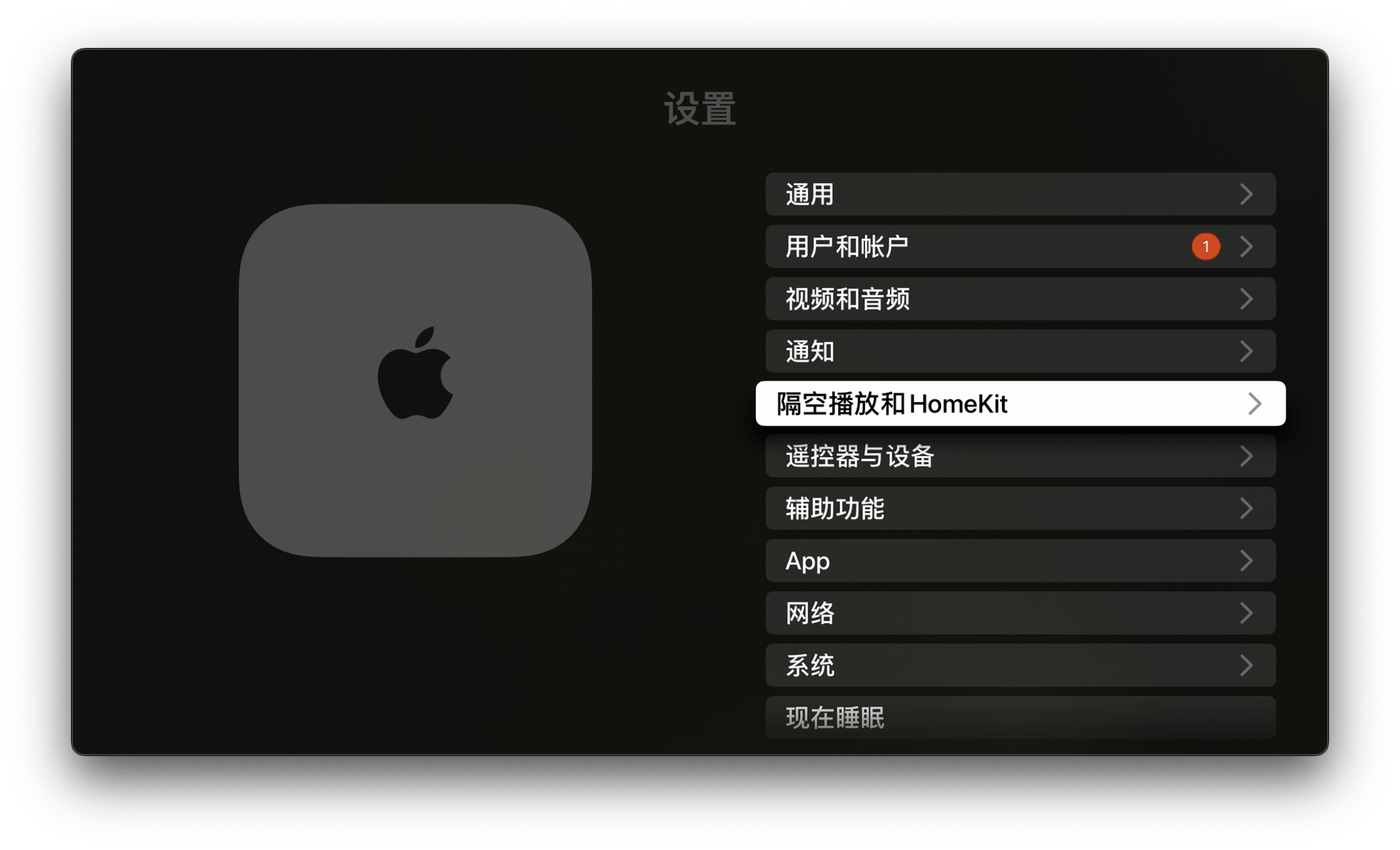
The 2022 Apple TV 4K adds the Thread protocol, which is an Internet of Things protocol for smart homes and smart buildings. The official statement is: low power consumption, secure, based on IPv6. When your Apple TV is connected to the Internet, especially through a wired connection, it will automatically become a home smart hub, replacing the traditional gateway and enabling control between devices that support the Thread protocol.
Unfortunately, I don’t have any equipment that supports home kit at home, so I can’t experience it.
That’s all for the Apple TV experience.
After reading the unboxing and these two articles, I believe you have a comprehensive understanding of Apple TV.
If you find it useful, please follow it.

1
1